From Customer PO to ERP Sales Order - How to Automate Order Processing

Table of Contents

From Customer PO to ERP Order Without The Manual Chaos
Most companies don’t struggle because they can’t create sales orders. They struggle because the starting point is messy: purchase orders arrive by email, as PDFs, scanned images, portal downloads, or even screenshots from a phone. Someone has to open the file, find the ship-to, confirm pricing, copy line items, and hope nothing is missed. Multiply that by dozens or hundreds of orders a day and you get delays, avoidable errors, and a constant “we’ll fix it later” mindset that becomes expensive. And it’s rarely just one system involved - order entry might happen in the ERP, but the information starts in email, attachments, shared folders, and customer portals, where nothing is standardized and everything depends on attention to detail.
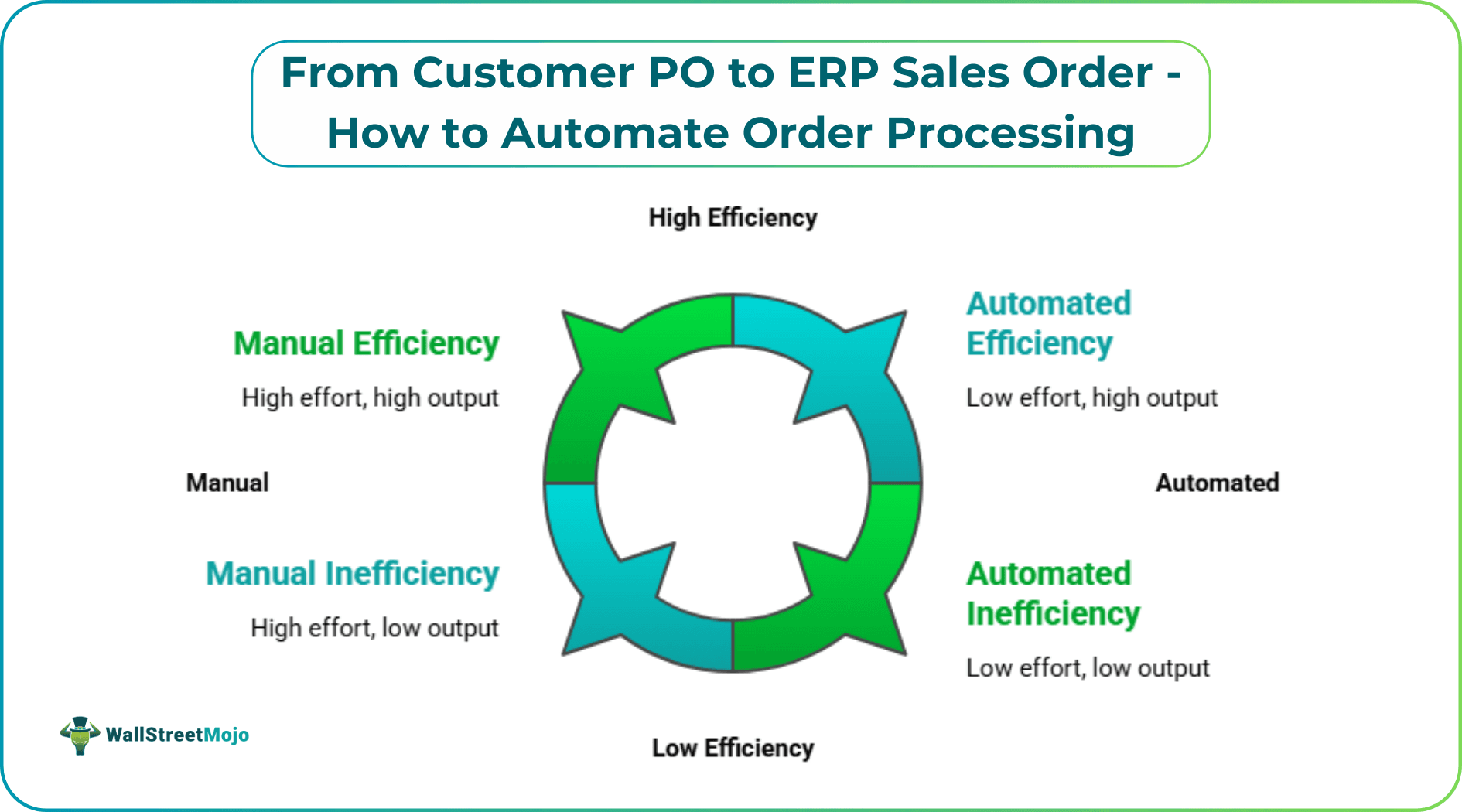
The hidden cost shows up everywhere. A single typo in a part number can trigger a wrong shipment. A missed delivery date can force expediting. A mismatched address can turn into returns, credits, and customer frustration that sales teams end up smoothing over. Internally, teams start building “workarounds” that feel helpful in the moment - spreadsheets to track what’s entered, Slack messages to confirm changes, follow-up emails to clarify terms - until the process becomes a patchwork. Even strong teams get stuck in reactive mode, because manual intake creates constant interruptions: someone is always double-checking what came in, what changed, and what still needs to be entered.
That’s where order processing software becomes less about replacing the ERP and more about bringing structure to the document-heavy work before the ERP can do its job. For example, Artsyl OrderAction can take a customer PO, interpret the content, validate key fields, and prepare a clean, ERP-ready transaction so the team isn’t re-keying details all day. The goal isn’t to remove people from the process; it’s to remove the repetitive parts that slow them down and cause preventable errors. When the front end of order intake becomes consistent, everything downstream gets easier: inventory checks are faster, fulfillment teams receive cleaner instructions, and customer confirmations don’t depend on someone’s inbox being cleared.
Order Processing for ERP Starts with Clean Data In
If your team is focused on order processing for Acumatica ERP for example, the biggest win is reducing the gap between what the customer sent and what Acumatica needs. Acumatica is a great example because many growing distributors and manufacturers use it to run real operations across locations, warehouses, and complex pricing rules. The challenge is that POs rarely arrive in a perfect, standardized layout - so the work piles up before the ERP even sees it. With Artsyl OrderAction, the idea is simple: capture PO data, validate it, and send it directly into Acumatica so staff are not rebuilding the order line by line. In practice, automation becomes most valuable when it handles the steps people usually do “in their head,” such as checking completeness and flagging exceptions.
- Extract key fields like customer, ship-to, dates, item numbers, quantities, and terms from POs and email attachments
- Validate data against rules (missing fields, invalid items, duplicate POs, mismatched pricing, unusual quantities)
- Route exceptions to the right person instead of stopping the entire order queue
- Push clean draft orders into Acumatica for review and posting
Acumatica is only one ERP example - OrderAction also integrates with other ERP systems, which matters when you support multiple business units or plan to expand.
Design The “PO-To-Order” Workflow Around Exceptions, Not the Happy Path
The best automation projects don’t start with perfect documents; they start with the reality that exceptions are normal. A customer uses old part numbers, sends an updated PO in a new email thread, changes shipping instructions in the body of the email, or mixes items across warehouses. If your process depends on people catching those details manually, you’ll always have rework. The smoother approach is to treat automation as a sorting and control layer that standardizes the flow and escalates only what needs attention. That’s where tools like Artsyl OrderAction fit naturally, because the system can handle routine orders quickly while applying business rules to the edge cases.
- Define what “ready for ERP” means (required fields, acceptable date formats, approved customers, valid items)
- Use exception queues for the real issues (missing ship-to, pricing mismatches, discontinued SKUs, duplicate POs)
- Create clear routing rules so the right person reviews the right exception (sales, customer service, credit, or operations)
- Keep an audit trail of what was captured, what was changed, and why
When the workflow is built this way, teams stop spending time on clean orders and start spending time on the few orders that actually deserve human judgment. That’s how you increase throughput without sacrificing control.
Make ERP Integration The Outcome, Not The Starting Point
A common mistake is to treat ERP integration as the whole project. In reality, integration is the final mile. The bigger work is getting consistent, validated order data to the point where the ERP can act on it reliably. That means handling different PO templates, separating header data from line items, interpreting tables, and catching incomplete information before it becomes a downstream problem. Once that’s working, the ERP connection becomes much less fragile. In a mature setup, automation supports the daily operational rhythm: orders arrive, are captured, validated, and routed, and the ERP receives transactions in a predictable format.
- Start with the document sources you actually use (email inboxes, shared folders, portals, EDI-like PDFs, scans)
- Standardize the mapping logic from PO fields to ERP fields (customer IDs, item codes, units, tax, freight terms)
- Add controls for common failure points (duplicate orders, partial shipments, backorder rules, multi-ship-to)
- Use reporting to measure where time is lost (which customers generate the most exceptions, which fields are often missing)
OrderAction is built around this kind of practical automation: it captures and validates PO data and supports tight ERP integration (Acumatica included), while still allowing teams to keep governance where it matters. The result is a process that stays stable as volume grows.
A Faster Path From Customer Demand To Fulfillment
Automating order processing is ultimately about time and trust. Time, because every manual touchpoint between a customer PO and an ERP sales order adds delay, and delays show up as late shipments, missed cutoffs, and slower cash cycles. Trust, because clean data reduces the quiet costs - credits, returns, customer frustration, and internal firefighting. When automation is implemented as a workflow (not a one-off tool), the team gains consistency: routine orders move quickly, exceptions are handled in a controlled way, and the ERP receives data that is ready to execute. That’s the shift from “we’ll fix it after entry” to “we get it right at intake.” Whether you are using Acumatica or another ERP, the pattern is the same: capture customer documents, validate the content, route exceptions intelligently, and push clean transactions into the ERP. Solutions like OrderAction can support that model by reducing manual entry and organizing the work around rules and exceptions, not inbox triage. Over time, this becomes one of those rare operational improvements that is easy to feel: fewer backlogs, fewer errors, better service levels, and a sales order process that can grow with the business instead of holding it back.




