5 Best AI Humanizer Tools: Tested for Natural Output & SEO Results

Table of Contents

Introduction
Looking for the best AI humanizer tools to make your content feel less robotic and more relatable? We tested the top solutions so you don’t have to.
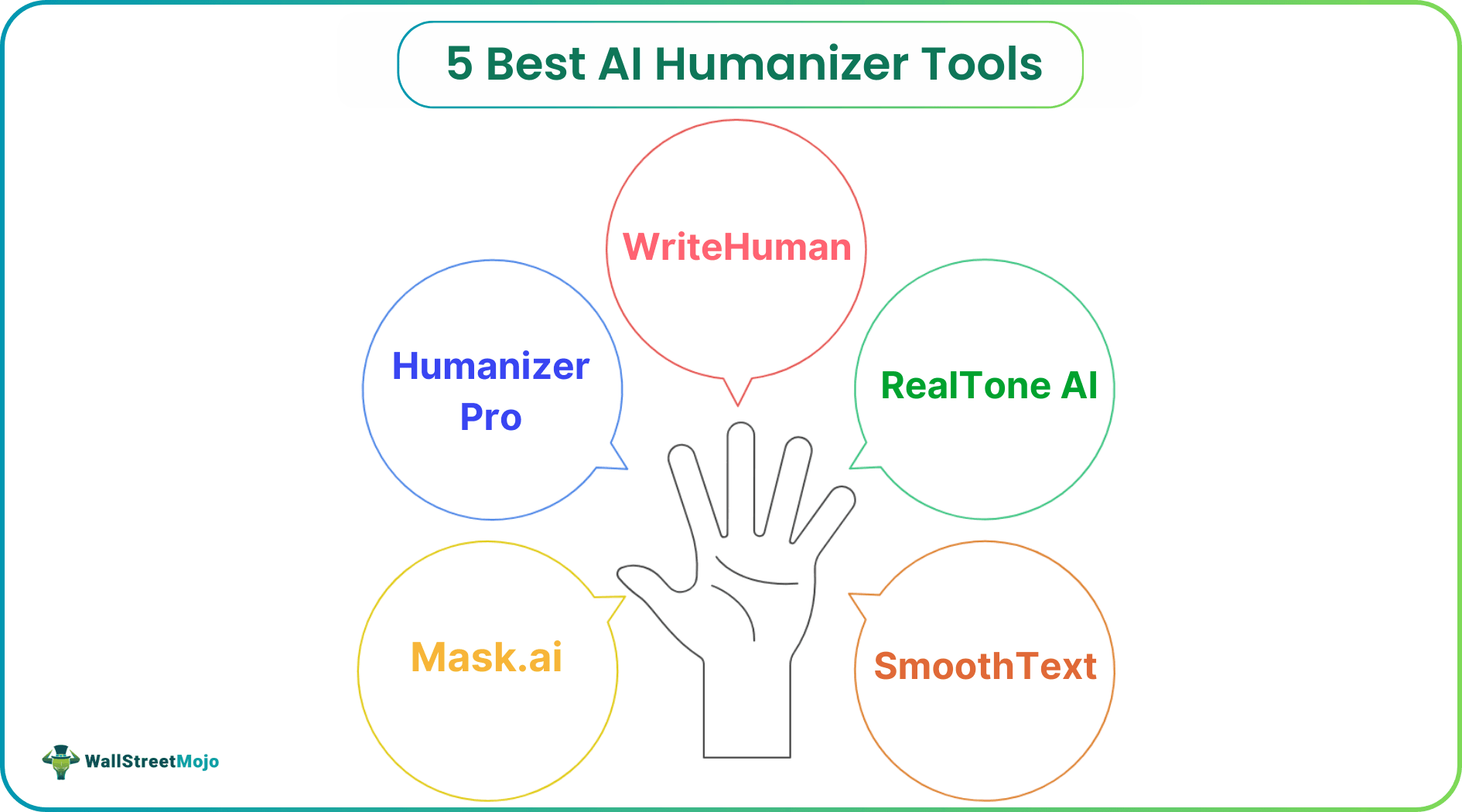
Best AI Humanizer Tools: Our Top 5
- Mask.ai
- Essay Humanizer
- WriteHuman
- RealTone AI
- SmoothText
Why Use AI Humanizer Tools?
AI-generated content is everywhere, but it’s often obvious.
While tools like ChatGPT, Jasper, and Claude are excellent for creating fast drafts, the output can sound formulaic, stiff, or worse, trigger AI content detectors.
Whether your goal is to bypass AI detection, improve reader engagement, or enhance readability, AI humanizer tools are designed to smooth out robotic phrasing and replace it with natural, human-sounding language.
How We Tested AI Humanizer Tools
We evaluated the most popular tools based on:
- How natural and fluent the rewritten content sounds
- Ability to bypass AI detection tools
- SEO optimization and formatting quality
- Ease of use and overall value
Let’s dive into the best AI humanizer tools available today.
#1 - Mask.ai
Top pick for the best balance of natural tone and AI detection evasion
Mask.ai is a powerful AI humanizer built for creators, marketers, and SEO professionals who rely on generative AI but need content that genuinely sounds human.
The workflow is simple: paste your AI-written text, choose a tone (professional, conversational, narrative, and more), then click “Humanize.” Within seconds, you get fluent, natural-sounding content that reliably passes popular AI detectors such as GPTZero, Originality.ai, and Turnitin.
What truly sets Mask.ai apart is its contextual sentence restructuring engine. Instead of basic word swaps or thesaurus tricks, it rewrites sentences intelligently, preserving meaning while eliminating the “AI-written” feel.
Key Features
- Advanced content masking for SEO-focused rewrites
- Tone and reading-level customization
- Batch processing for high-volume content
- API integration for streamlined workflows
We were especially impressed with the output quality of long-form content, such as blog posts and landing pages.
Pros
- Extremely natural output
- Reliable AI detection bypass
- SEO-aware rewriting
- Multiple tone and style options
- API and bulk processing support
Cons
- No Chrome extension yet
- Limited formatting tools in the editor
Pricing
- Free trial: 2,000 words
- Paid plans: from $29/month (25,000 words)
- API access: from $79/month
👉 Try Mask.ai free
#2 - Essay Humanizer
Best free AI humanizer tool for natural sounding content
Essay Humanizer is a tool meant for writers, bloggers, and marketers looking to create content that sounds more natural after being generated by AI tools. If you are using tools such as Chat GPT or Jasper for content generation, Essay Humanizer can come in handy.
Essay Humanizer works by providing a text generated by AI tools, and after clicking on the 'humanize' option, it creates a new text while retaining the meaning of the text. This tool has been made to make AI-generated content sound more natural and readable, reducing the chances of it being detected by AI detection tools.
One advantage of using Essay Humanizer is that it has the ability to change sentence structure, making it easier to read and more engaging.
Key Features
Natural sentence restructuring instead of simple word replacement
Improves readability and overall content flow
Helps reduce robotic tone in AI generated content
Simple interface suitable for beginners and professionals
Pros
Easy to use interface
Fast rewriting process
Improves natural tone and readability
Useful for bloggers, students, and marketers
Cons
Advanced customization options are limited compared to enterprise tools
Best suited for content editing rather than full content generation
Pricing
Free plan available for basic usage
Premium features available for higher usage needs
#3 - WriteHuman
Best for bloggers and content creators
WriteHuman is built for bloggers, YouTubers, and personal brands that want AI assistance without sounding artificial. It includes presets like YouTube scripts, newsletters, and affiliate blog posts, making it easy to match common content formats.
One standout feature is the real-time “humanity score,” which helps guide edits as you write. The output is conversational, emotional, and easy to read, perfect for lifestyle and personal content.
That said, it can struggle with technical or formal topics.
Pros
- Excellent tone for personal and lifestyle content
- Beginner-friendly interface
- Real-time tone and humanity scoring
- Content presets for popular formats
Cons
- Not ideal for B2B or formal writing
- AI detection bypass can be inconsistent
Pricing
- 7-day free trial
- Paid plans: from $19/month
#4 - RealTone AI
Best for tone control and enterprise content
RealTone AI focuses on tone modulation at scale. You can regenerate AI-written content in specific emotional tones, such as empathetic, authoritative, or persuasive.
Its analytics dashboard tracks tone consistency and audience alignment across entire content libraries, making it ideal for agencies and enterprise teams working with strict brand guidelines.
However, the platform has a steeper learning curve and may feel excessive for solo creators.
Pros
- Advanced tone control
- Designed for enterprise teams
- Detailed analytics and reporting
- Collaboration features
Cons
- Complex for casual users
- Expensive for individuals
Pricing
- Free trial available
- Pro plans: from $99/month
#5 - SmoothText
Best lightweight AI humanizer for quick edits
SmoothText is a simple, web-based tool designed to remove robotic phrasing and smooth sentence flow. It’s perfect for users who rely on ChatGPT or Jasper for drafts and want a quick second pass before publishing.
While it lacks advanced customization, it’s fast, easy, and effective for short-form content like social posts and emails.
Pros
- Very fast processing
- Clean, minimal interface
- Great for short-form copy
Cons
- No tone customization
- Not suitable for long-form or technical content
Pricing
- Free: up to 3,000 words/month
- Paid plans: from $10/month
Final Tips for Using AI Humanizer Tools
- Match tone to your audience: Choose tools that align with your brand voice.
- Always edit manually: No AI tool replaces human judgment.
- Test against detectors: Use tools like GPTZero or Originality.ai.
- Use in moderation: Humanizers work best for polishing, not hiding, AI content.
Bottom Line
If you’re serious about transforming AI-generated content into high-converting, natural-sounding text, Mask.ai stands out as the most capable, flexible, and SEO-friendly AI humanizer on the market.




