
Table Of Contents

Introduction
In 2026, AI presentation tools will have become essential for professionals, educators, and business teams who need quality slide decks without the design stress. Today's software offers more than basic templates; it can create entire presentations from prompts or documents, help organize complex ideas, and even design visuals that fit your brand. With AI managing the heavy tasks, you gain time to focus on strategy, storytelling, and delivery.
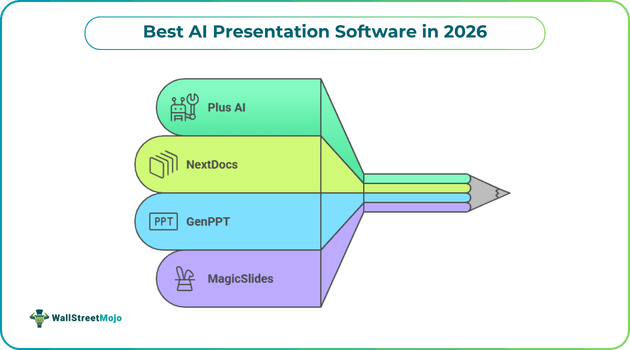
Industry reviews of the best AI presentation tools in 2026 highlight top platforms that combine content quality, design intelligence, and flexible workflows to meet the needs of users across various situations and fields.
Why AI Presentation Software Matters in 2026
In today’s fast-moving business world, producing exceptional presentations quickly is crucial. AI presentation software not only saves time but also ensures consistency, professional design, and clear messaging.
These tools allow startups, educators, and businesses to concentrate on content and storytelling while AI takes care of the layout, visuals, and structure.
#1 - Plus AI
Plus AI brings strong AI presentation features directly into Microsoft PowerPoint and Google Slides, so you don’t have to learn a new app.
It helps users create complete, accurate, and visually appealing presentations from text prompts or existing documents.
Key Features
- Prompt & Document Conversion: Generate entire presentations from text prompts or uploaded files like PDF, Word, PPT, and text.
- One-Click Slide Editing: Automatically add visuals, icons, charts, and polished layouts easily.
- AI Slide Remix: Reformat and improve existing slides with professional designs.
- Brand Customization: Use logos, fonts, and colors to keep a consistent identity.
- Multi-Language Support: Create and edit presentations in several languages.
- Template Libraries: Prebuilt slides for business needs like pitches, reports, training decks, and more.
Why It Stands Out?
Plus AI stands out by combining powerful AI capabilities with the tools professionals already use. Instead of forcing users into a new platform, it enhances existing workflows, making adoption effortless.
Plus AI stands out in 2026 for smoothly integrating AI into tools that teams already use daily. It removes the need to export or reformat while still delivering professional results.
#2 - NextDocs
NextDocs is a new AI presentation tool designed for users who require high-quality research and a clear narrative structure in complex or enterprise-level presentations. Unlike many other tools that deliver a single output, NextDocs provides multiple versions for each prompt, allowing you to choose the best structure and tone for your content.
Key Features
- Multi-Variant Generation: Produces several presentation versions for each prompt.
- Deep Research Integration: Pulls real-world data and citations to support claims.
- Universal Export: Output decks in PDF, PPTX, Google Slides, or Google Docs.
- AI Narrative Assistance: Helps structure arguments and flow like a skilled writer.
- Fact-Checking: Built-in checks reduce AI mistakes common in basic tools.
- Enterprise Focus: Ideal for consultant briefs, research reports, and investor decks.
NextDocs is designed for teams and professionals who depend on credible, data-rich slides. It offers more than just surface-level content, making it a strong choice for enterprise users and researchers.
#3 - GenPPT
GenPPT stands out from typical AI slide generators by using sophisticated AI models. It researches topics in-depth and includes reliable information in your slides. This makes it a solid choice for presentations that need credible content and a clear design.
Key Features
- Real-Time Research: Fetches current data and facts for slides.
- Multilingual Support: Generates presentations in up to 40 languages.
- Quick Deck Generation: Creates full slide decks in under 60 seconds.
- AI Writing Assistance: Helps refine messaging and explanations.
- Custom Visuals: Includes image and chart generation.
- Export Options: Download as PPT or PDF for offline use.
GenPPT is ideal if your presentations require reliable content and rich context, such as for marketing, education, or business research reports.
#4 - MagicSlides
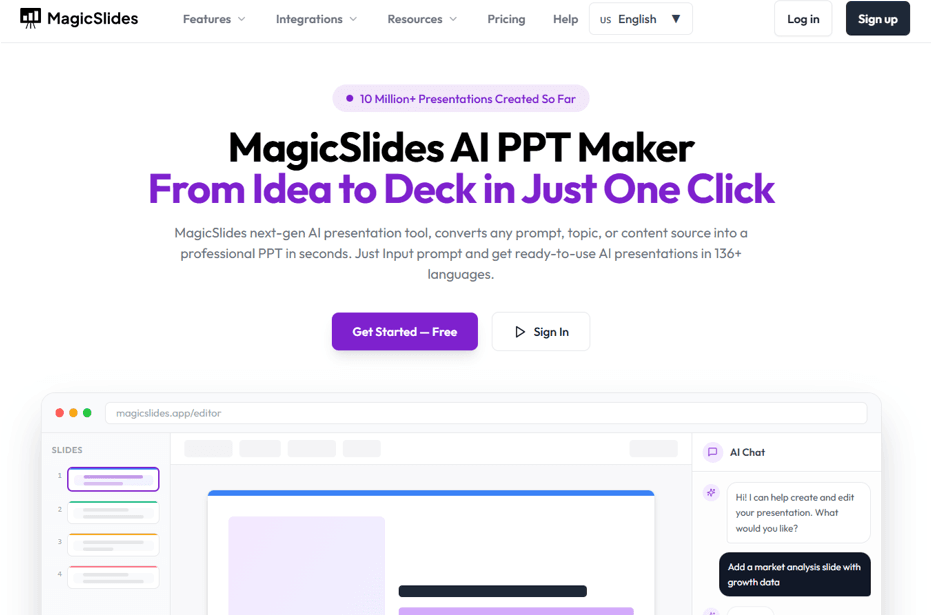
MagicSlides AI is great at quickly turning unstructured text and URLs into complete slide decks. Users appreciate its compatibility with Google Slides, wide range of supported inputs, and easy editing experience after the slides are created.
Key Features
- Multi-Input Support: Accepts text, URLs, PDFs, and YouTube links to create slides.
- Massive Language Support: Works in over 100 languages.
- Themes & Formatting: Offers fonts, color schemes, and visual options.
- Clean Export: Exports directly to Google Slides or PPTX.
- Editable Output: Generated slides are fully editable.
- Quick Turnaround: Creates usable presentation drafts quickly.
MagicSlides is a great option for anyone looking for speed and flexibility, especially if you want an AI tool that works directly within a familiar slide environment.
Final Words
By 2026, AI presentation software will have advanced well beyond basic design templates. These tools now help users create content, visualize data, maintain brand standards, and even write research-based documents in just minutes. Whether you need easy workflow integration, thorough topic research, or quick slide creation with little input, there's a solution for you.
Exploring these AI platforms can help you save time, improve presentation quality, and allow you to focus more on the ideas you’re sharing instead of the details of slide building.
Are you ready to enhance your presentations and work more efficiently? Start with one of these AI tools today and discover how much faster and more professional your decks can be.




