The 6 Best Comprehensive Work Order Management Software

Table of Contents

Introduction
The work order management software has become a necessity to all organizations that are dependent on maintenance, facilities management, or field service operations. Be it a manufacturing facility, a group of commercial properties, or a group of technicians in the field, a centralized system of work order creation, assignment, tracking and reporting can help a great deal in enhancing efficiency. Modern platforms extend beyond basic ticket tracking and usually have preventive maintenance scheduling, asset management, inventory tracking, reporting dashboards, and technician access via mobile.
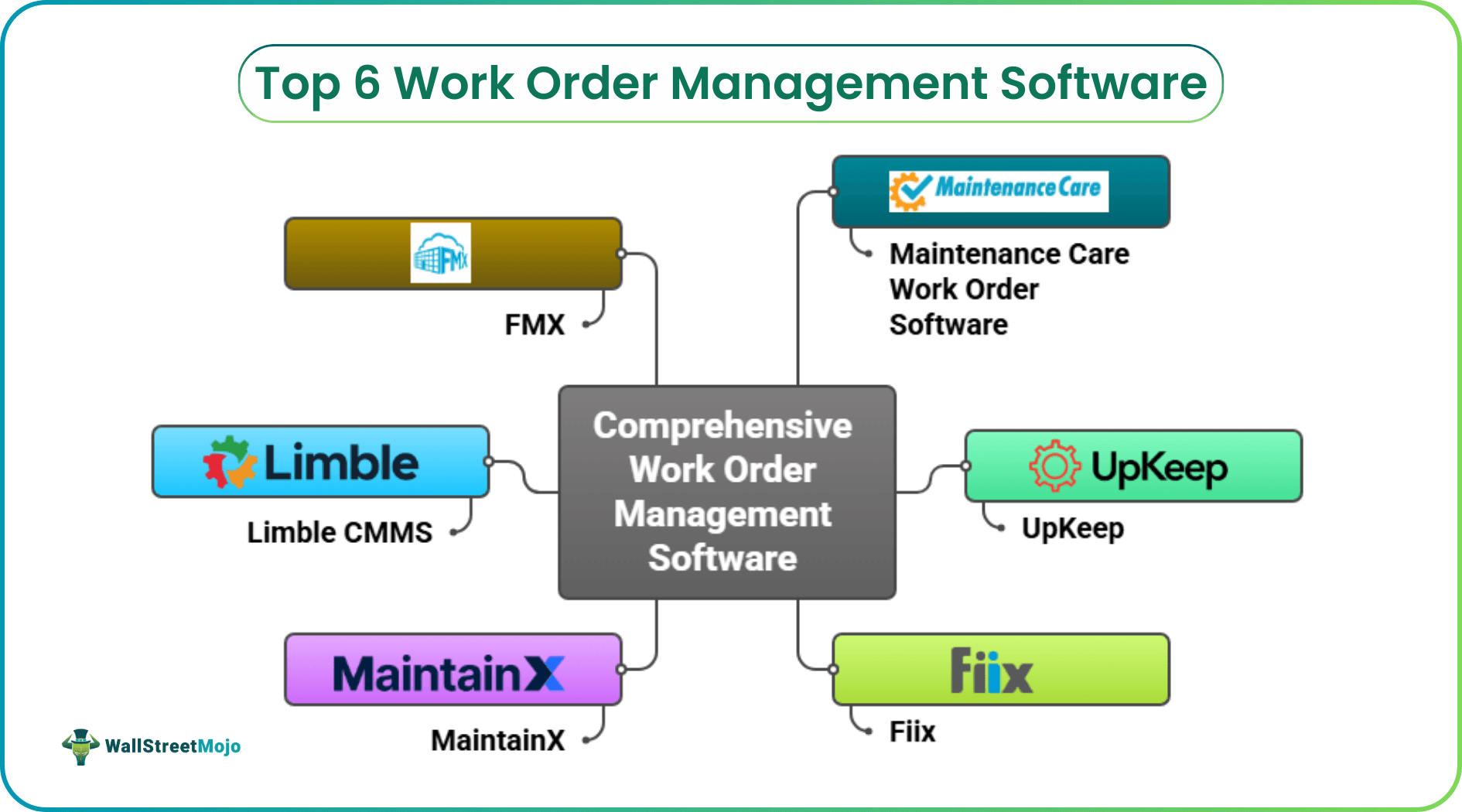
The selection of the appropriate comprehensive work order management software is subject to a number of factors, such as the number of people in the team, complexity of operations, reporting requirements, and budget. Others are based on simplicity and fast deployment, whereas others offer enterprise-level analytics and integrations. The following is a critical analysis of six of the most comprehensive work order management software platforms in the market today, their strengths, limitations and the best application scenarios.
#1 - Maintenance Care Work Order Software

Overview
This work order management software allows teams to move away with paper-based processes and move towards digital and centralized work order systems. It is built to generate, allocate, and monitor work orders between teams and can be expanded to a wider range of CMMS features should you wish to upgrade. Teams are able to customize request forms, handle work through mobile applications, and minimize redundancy.
Pros
- Free plan that comes with basic digital work order management.
- Request forms and dashboards can be customized.
- Real-time updates on mobile access to technicians.
Cons
- More advanced features like full inventory or asset management require paid upgrades.
- Some users report limited reporting capabilities compared to enterprise tools.
- Mobile apps may feel less robust than desktop for complex workflows.
Unique Features
- Smart work order duplicate checker reduces redundant tasks.
- Built-in email communication tied to work orders.
- Free Forever tier lets small teams start with no cost.
Verdict
Maintenance Care is a good initial step in the digital maintenance team. The free version is provided with basic work order management with no financial obligation, and paid upgrades are provided in case of necessity.
#2 - UpKeep

Overview
UpKeep is a mobile-first work order and maintenance management software with a mobile and field-focus. It substitutes the manual tracking with digital work order forms, real-time updates and asset management in real time. It is appropriate to teams that require work order and preventive maintenance tools that can be accessed anywhere by technicians.
Pros
- Powerful mobile application with barcode scanning and attachments.
- Simple work order generation and assignment processes.
- Scheduling and reminders of preventive maintenance.
Cons
- The lower-tier plans have fewer advanced analytics and reporting.
- Other users mention that the desktop interface does not perform as well as mobile.
- Many users can make pricing very high.
Unique Features
- Offline support for field updates and data capture.
- Push notifications for task updates and due dates.
- Barcode and QR scanning to access asset history quickly.
Verdict
UpKeep strikes a balance between the full-fledged work order and maintenance software and a mobile-friendly design, which makes it an excellent option among the field-heavy teams that prefer to have easy-to-use work order processes and preventive maintenance features.
#3 - Fiix

Overview
Fiix is a cloud-based CMMS that aims at transforming work order and maintenance processes by providing data insights and automation. It also has inbuilt analytics, asset management, and integration capabilities that can be used in larger maintenance processes.
Pros
- Effective work order development, planning, and monitoring.
- Intense analytics and dashboards.
- Comes with numerous external integrations.
Cons
- Premium pricing on superior features and analytics.
- It is more time consuming to set up and customize to comprehensive use.
- Other users complain about the learning curve.
Unique Features
- Predictive maintenance capabilities use past data to predict problems.
- Visual planning of work orders by drag-and-drop.
- Individual dashboards are used to monitor the KPIs such as the MTTR and backlog.
Verdict
Fiix can be used in operations that require more work order insights and analytics. Although it might take a bit more configuration, its higher capabilities are able to accommodate bigger or more complicated maintenance requirements.
#4 - MaintainX

Overview
MaintainX is a mobile-focused maintenance and work order system that also focuses on team communication and digital standard operating procedures. It is designed to simplify work order processes, particularly those of field teams and remote workforces.
Pros
- User-friendly and easy to deploy.
- Built-in messaging within work orders helps team coordination.
- Supports preventive and recurring work orders.
Cons
- Enterprise tools may be superior to reporting.
- Certain users report some bugs or inconsistencies.
- Complicated workflows may be confined in mobile display.
Unique Features
- In-app messaging and SOP checklists tied to work orders.
- AI-assistance features for contextual maintenance support.
- Mobile-optimized experience with offline support.
Verdict
MaintainX is robust when the team focuses on effective communication and field work. It is mobile-first and has a lightweight user interface, which is easy to use without a lot of training.
#5 - Limble CMMS

Overview
Limble CMMS focuses on simplicity and flexibility and provides automation and real-time tracking. It is a moderate solution to teams that require work order management and asset and inventory coordination.
Pros
- Automated work order generation and assignment.
- Real-time collaboration and mobile support.
- Custom workflows and dashboards.
Cons
- The higher tier plans are needed to have advanced features.
- Configuration Learning curve is sometimes observed among users.
- Prices differ according to plan and size.
Unique Features
- QR and barcode scanning for asset identification.
- Preventive work orders tied to triggers like meter readings.
- Custom notifications and approval workflows.
Verdict
Limble is a good balance between functionality and usability. It is a flexible option that can be used by teams that require automation without being overly complex.
#6 - FMX
Overview
FMX is an easy-to-use facilities and maintenance management system that has detailed work order tracking. It is appropriate in organizations that value simplicity and clarity more than enterprise customization.
Pros
- Simple to install and user-friendly scheduling software.
- Powerful task and work order tracking of facilities.
- Positive customer service as indicated by customers.
Cons
- Poor advanced reporting and analytics.
- In certain situations, mobile performance can be low.
- Lacking the functionality of enterprise CMMS.
Unique Features
- Clear calendar and task scheduling interface.
- Focused on work order visibility across teams.
- Designed for education, government, and commercial use cases.
Verdict
FMX is an ideal option when the team requires simple work order solutions with no deep configuration or analytics.
Quick Recommendations Summary
| Software | Best For | Standout Feature |
|---|---|---|
| Maintenance Care | Beginners & small teams | Free plan with essential work order tools |
| UpKeep | Field-centric teams | Mobile-first work order and preventive maintenance |
| Fiix | Data-driven operations | Advanced analytics and predictive tools |
| MaintainX | Communication-focused teams | In-app messaging and SOP checklists |
| Limble CMMS | Balanced automation | Custom workflows and asset integration |
| FMX | Simple facility teams | Intuitive scheduling and task tracking |
Recommended Pick
All six tools reviewed here offer strong work order management capabilities tailored to different operational needs. For teams just getting started, systems with strong mobile support and straightforward workflows tend to deliver quick value. For larger organizations that need data insights and predictive tools, platforms with advanced analytics provide deeper visibility into maintenance performance.
Taking all factors into account, Maintenance Care stands out as a reliable foundation for comprehensive work order management, especially for teams that want a clear pathway from basic digital work orders to a full maintenance management ecosystem without heavy upfront investment. Its blend of essential functions, customizable forms, and free tier make it a versatile option across industries.




