How Efficient Email Support Improves Financial Operations & Client Satisfaction

Table of Contents

Introduction
Most finance teams treat email support as a routine administrative task; until the inbox becomes a bottleneck.
Missing a client update, delaying a payout confirmation, or overlooking a KYC document is not just an inconvenience; it directly affects trust, operational flow, and, in some cases, regulatory timelines.
This is also why many organizations explore whether they should outsource email support or rebuild their internal workflow. Outsourcing can add capacity, but unless the underlying process is structured, even a larger team cannot prevent delays, miscommunication, or compliance gaps.
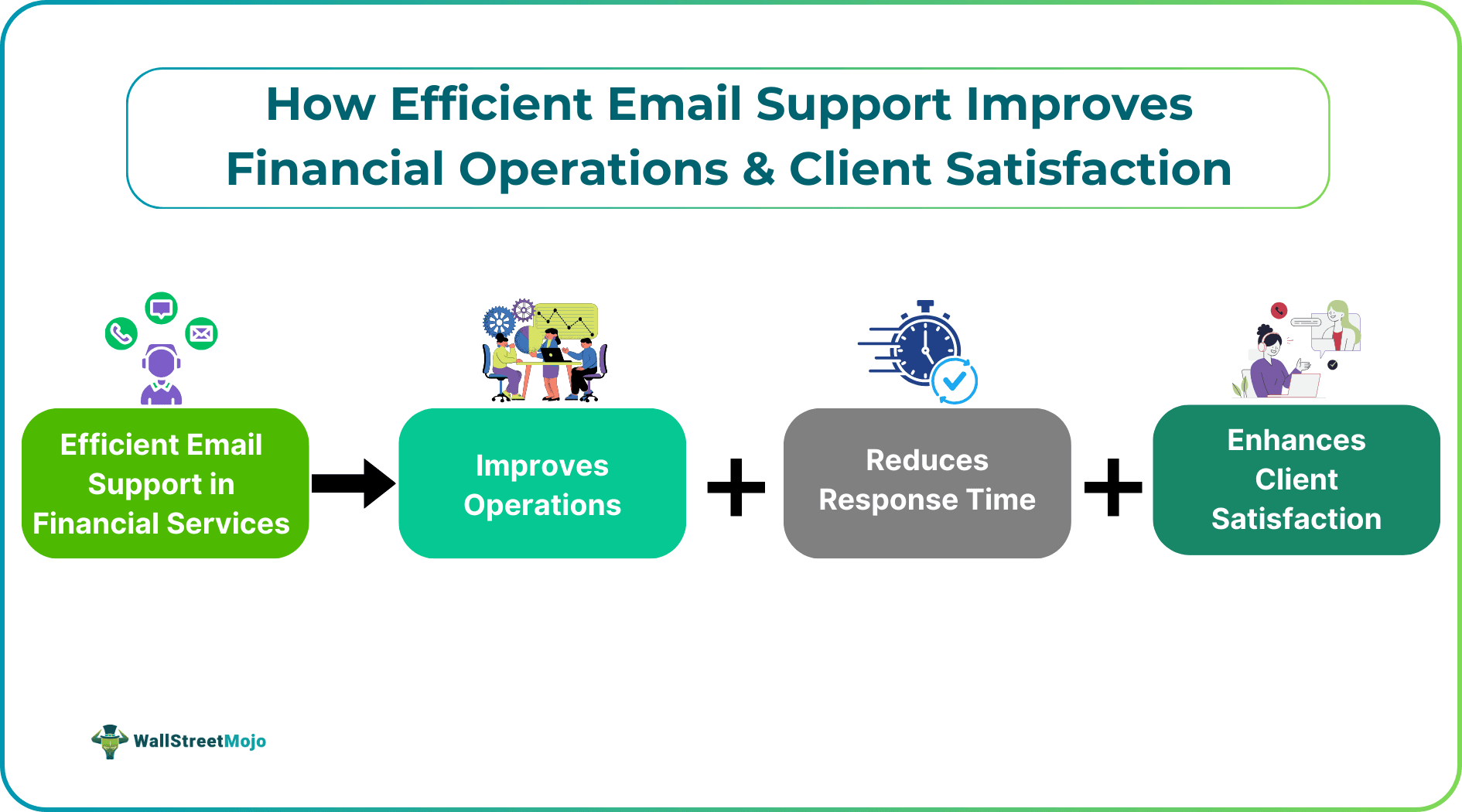
Efficient email support is no longer about replying faster; it is about building a predictable, audit-friendly workflow that reduces operational friction. The right system prevents escalations, improves financial accuracy, and enhances customer experience without unnecessary headcount increases, regardless of whether support is handled internally or externally.
From Inquiry to Resolution: How Email Support Impacts Finance Workflows
Finance teams rely on email for confirmations, clarifications, trade instructions, reconciliations, compliance checkpoints, and customer requests. A simple delay in any of these creates ripple effects:
- A slow response on NAV updates affects investment decisions
- Delayed invoice approvals disrupt cash flow forecasts
- Missed KYC follow-up can block account openings
- Poor visibility into support queues leads to SLA breaches
In finance, email isn’t just communication; it’s an operational chain link.
A break in that link becomes a cost.
#1 - Increased Accuracy in Financial Processes
Email support often contains critical data points:
- transaction references
- customer declarations
- attachments that feed into accounting or compliance systems
- authorization confirmations
When emails are cluttered or misrouted, analysts spend unnecessary time hunting for data, increasing the chance of manual errors.
Practical Fix: Structured Intake Templates
Finance teams can reduce back-and-forth by using structured templates or standardized Email Template formats for common requests. Example:
Subject: Request – Payment Clarification
Required Info:
• Transaction ID:
• Payment Date:
• Amount:
• Source Account:
• Purpose:
• Supporting Document:
This reduces ambiguity and decreases resolution time; two metrics regulators and clients care about.
#2 - Faster Turnaround Improves Client Trust & Retention
Financial clients expect certainty.
They want quick reassurance on:
- portfolio statements
- payout timelines
- refund validations
- billing adjustments
- tax document availability
Studies show that perceived responsiveness is often valued more than the actual resolution time. Even a short acknowledgment email; if structured properly; improves trust.
Practical Fix: Two-Touch Response Rule
- First touch: Acknowledge within X minutes
- Second touch: Deliver the resolution or ETA
Example acknowledgment:
“Hi Rahul, thanks for sending the payout query. We’re validating the transaction reference now and will share an update within 40 minutes.”
This small practice lowers anxiety for high-value clients and reduces inbound follow-ups by ~20–30%.
#3 - Email Support Creates Measurable Operational Insights
Finance leads often underestimate how much operational intelligence sits inside the inbox:
- Why do payout clarifications spike every Friday?
- Which step in the reconciliation cycle creates the most customer confusion?
- Which product generates the highest volume of billing tickets?
When email support is unstructured, leadership loses visibility into such questions.
Practical Fix: Categorization & Tagging Framework
Use a simple but strict tag system such as:
- Billing
- Payout/Refund
- KYC/Compliance
- Reconciliation
- Portfolio/Account
- Technical Issue
This categorization helps uncover workflow inefficiencies and enables data-driven decisions.
#4 - Reduced Operational Risk & Compliance Errors
In financial services, email becomes part of the audit trail.
Regulators expect:
- clarity
- traceability
- documented follow-ups
- proof of advice or instructions
Unorganized email systems create gaps in audit logs, exposing firms to compliance risk.
Practical Fix: SLA + Escalation Ladder
Define internal SLAs for email categories:
| Category | SLA | Escalation After |
|---|---|---|
| KYC/Compliance | 4 hours | 6 hours |
| Billing & Refund | 1 business day | 24 hours |
| Account Errors | 2 hours | 3 hours |
A clean SLA system ensures no compliance-sensitive communication ages beyond safe thresholds.
How To Build an Efficient Email Support Workflow (Step-by-Step)
Step 1 - Map the Types of Email Your Finance Team Receives
Identify which categories generate operational pressure:
- payment confirmation issues?
- recurring tax questions?
- KYC delays?
- invoice mismatches?
This reveals the “hotspots” that require process tightening.
Step 2 - Build Intake Forms or Templates for High-Friction Queries
Templates reduce cognitive load, improve accuracy, and shorten turnaround time.
Step 3 - Introduce Light Automation (Without Overhauling Tools)
Useful automations include:
- auto-routing by subject keywords
- auto-tagging by sender domain
- pre-written but editable replies
- SLA alerts
Finance teams rarely need full-fledged help desk systems.
Simple rules within the email client can remove 30–40% of manual load.
Step 4 - Implement Quality Checks Every Friday
A short weekly audit can prevent bigger issues:
- Are SLAs slipping?
- Are attachments missing in responses?
- Are templated replies being overused?
- Did any compliance-sensitive emails go unanswered?
This micro-audit is equivalent to a risk-control checkpoint.
Step 5 - Build a Mini Knowledge Base for Analysts
Store internal notes on:
- how to validate a payment
- how to respond to tax queries
- who approves adjustments
- how to locate old statements
This ensures new analysts do not rely on institutional memory; one of the biggest hidden operational risks in finance teams.
Conclusion
Efficient email support is not just a customer service improvement; it is an operations upgrade.
For financial teams, every accurate, timely response reduces risk, accelerates workflows, and strengthens client trust.
By adopting structured templates, light automation, and clear SLAs, organizations transform email from a daily burden into a predictable, workflow-friendly system. Faster responses lead to fewer errors, happier clients, and more stable operations; without needing new hires or complex technologies.
Build the structure once, refine it weekly, and let the email system support your financial processes; not slow them down.




