Key Features to Look for in Foundation Management Software

Table of Contents

Introduction
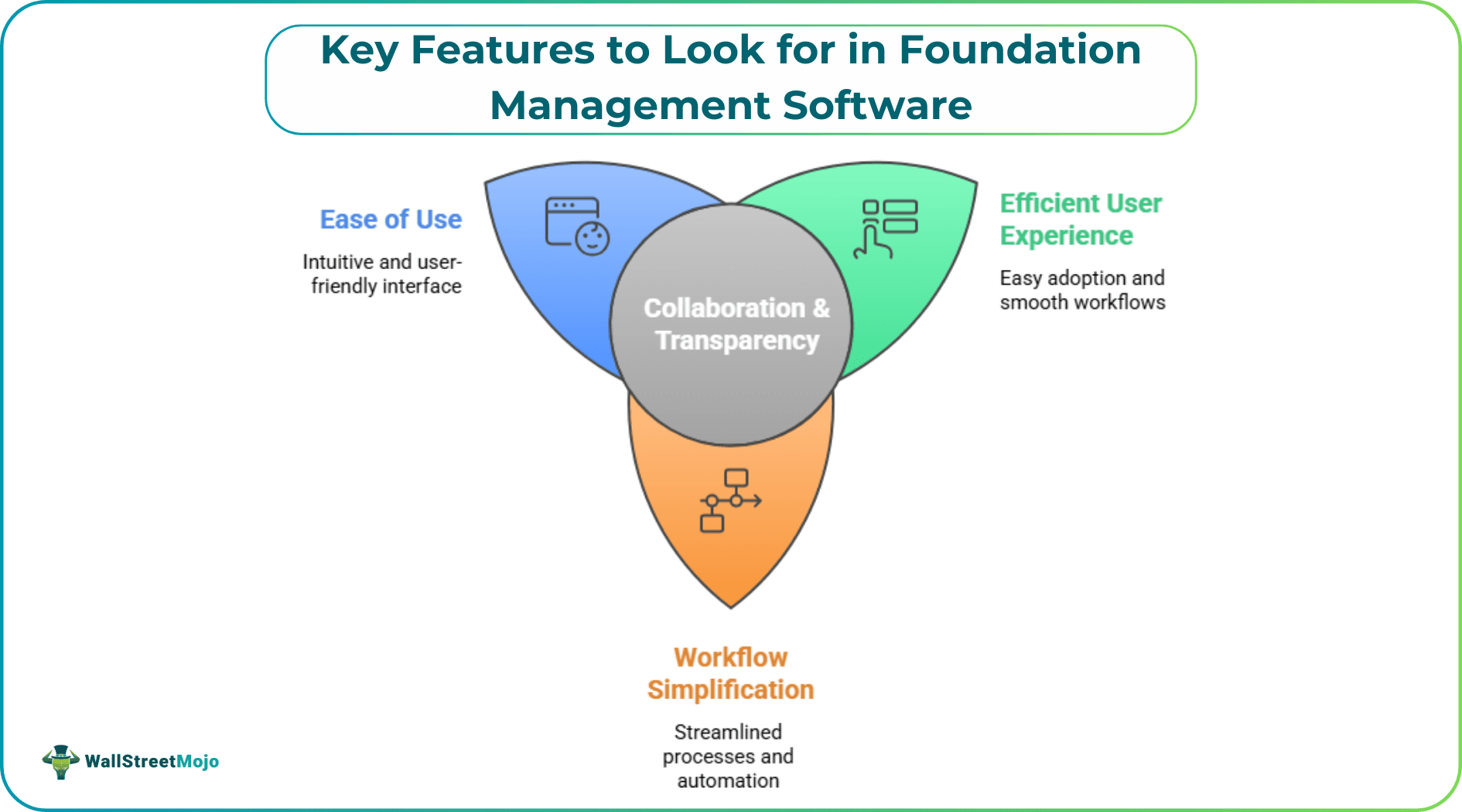
Choosing the appropriate foundation management software ensures that organizations streamline their efforts toward organizational goals. An essential feature of the software makes it easier to use, simplifies workflow, and improves collaboration and transparency. Recognizing how the more significant attributes actually affect the decision allows communicators to choose a system that meets the immediate organization's desires and operates within their long-term organizational objectives.
User-Friendly Interface
The user interface of software for managing foundations is naturally built in such a manner that the user can perform the task without any hassle. Simple menus and clear layouts help to minimize training so teams can spend more time focused on mission-driven work. A simple dashboard allows users to gather information quickly, which leads to fewer mistakes and higher productivity in all departments.
Comprehensive Grant Tracking
Managing grants is one of a foundation's key functions. The best software will provide application tracking, deadlines, and reporting for you. Built-in notifications for tasks and status updates ensure that everyone stays on schedule. It allows teams to keep track of progress and resolve issues as they occur throughout a centralized system.
Customizable Reporting Tools
They are crucial for performance analysis and custom reports. Software needs to allow flexible generation of reports based on things such as funding allocations or funding recipient impact. With export options to quickly share with stakeholders, built-in templates make it simple. These reporting features provide helpful feedback for strategic planning.
Integrated Communication Features
These features optimize tools to enhance communication both within and outside the foundation. Messaging systems, shared calendars, and document storage ensure that everyone agrees. By integrating with popular email platforms, it ensures efficient correspondence, with little to no missed updates or repetitive work—everything is consolidated in one place. These attributes also reinforce relationships with internal employees and employee partners.
Secure Data Management
Sensitive information protection is still a hot topic. Look for comprehensive security features: your software should include encrypted storage, user permissions, and audit trails at a minimum. Regular updates for security keep any unauthorized person from accessing it. Trust between donors, recipients, and staff relies on trustworthy data protection.
Automated Workflows
Automation minimizes repetitive tasks and also reduces human errors. Workflow automation takes care of reviewing applications, getting approvals, and sending notifications with little human intervention. Thus, automation enables staff to focus more on strategy and developing relationships.
Donor and Recipient Profiles
Having donor and recipient profiles with robust details improves relationship development and helps make informed decisions. Foundations should also have a way of tracking their donors' donation history, preferences, and communication records. Profiles created for the recipients assist in ensuring compliance as well as mutual goals. Having these records gives us a broader perspective of engagement throughout the years.
Scalable Solutions
Software may need to evolve to keep up with growth. Scalable systems grow without a performance cost. Longevity comes through flexible licensing, modular add-ins, and a cloud-based architecture. This allows organizations to adjust features as priorities change, keeping the software relevant and useful.
Mobile Access
Access to on-the-go information is a boon for modern organizations. Mobile-responsive foundation management software enables staff to access data, communicate, and approve requests while off-site. Easy-to-use, responsive design makes it productive on any device, whether in an office or outside of it.
Integration Capabilities
Connections with other digital tools streamline workflows and data management. Software should support integration with accounting programs, fundraising platforms, and analytics systems. Seamless data transfer reduces manual entry and improves accuracy. These integrations create a unified environment for managing all aspects of foundation activity.
Reliable Customer Support
Quick support is the core of seamless functioning. A good software provider is likely to provide several communication channels, where live chat, email, or phone will offer further assistance. In-depth manuals and web resources enable teams to troubleshoot problems on their own. Continued support keeps pace with the ever-changing needs of the software.
Conclusion
Your choice for foundation management software should be a thoughtful one that addresses daily operational needs with an eye toward future growth and scalability. An organization that is more effective, easier to work with, and more capable of adapting due to higher priorities on usability, security, automation, and integration. The right tools help foundations fuel their purpose and pursue it with assurance, knowing that they have the means to create change.




