How to Identify and Avoid Suspicious Behavior in Online Communication

Table of Contents

Introduction – Why Recognizing Suspicious Behavior Matters
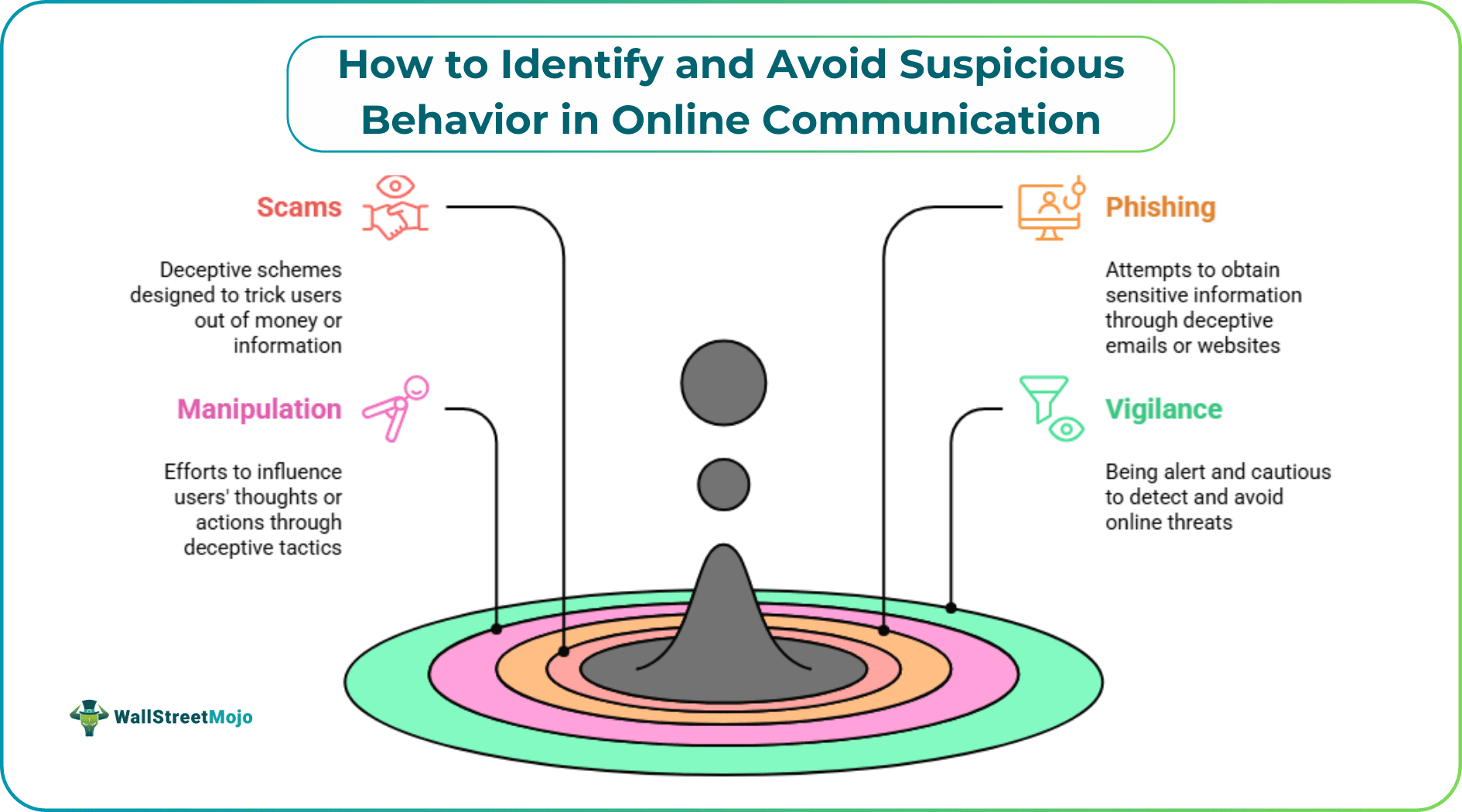
Online communication connects people worldwide, but it also exposes users to risks such as scams, phishing, and manipulation. Recognizing suspicious behavior online is crucial for protecting your personal information and maintaining safe interactions. According to the FBI’s Internet Crime Complaint Center (IC3), Americans lost over $6.9 billion to internet-enabled crimes in 2023 alone, highlighting the importance of vigilance. By understanding common red flags and adopting proactive safety strategies, you can enjoy digital communication without compromising your security.
#1 - Common Types of Suspicious Behavior Online
Suspicious behavior can take many forms. Some of the most frequent include:
- Phishing attempts – Messages or links that try to steal login credentials.
- Financial scams – Requests for money, gift cards, or unusual payments.
- Manipulation and emotional pressure – Rapid declarations of trust or love, guilt-tripping, or urgency.
- Oversharing requests – Asking for private details like addresses, passwords, or personal photos.
Tips for early recognition:
- Look for inconsistent profiles or vague information.
- Verify unexpected links before clicking.
- Question messages that create a sense of urgency or emotional pressure.
- Keep in mind: if it feels off, it probably is.
#2 - Strengthen Your Online Profiles and Privacy
Securing your online presence is the first line of defense. Here’s how to optimize privacy:
- Use strong, unique passwords for each account.
- Enable two-factor authentication (2FA) whenever possible.
- Limit shared information – Avoid posting sensitive details like your home address or financial information.
- Adjust visibility settings – Restrict profile visibility to trusted contacts.
- Regularly review connected apps – Remove third-party apps that don’t need access to your account.
Step-by-step privacy optimization:
- Navigate to your account settings → Privacy → Adjust visibility to “Friends Only” or “Private.”
- Enable login alerts to detect unauthorized access.
- Use secure messaging platforms that offer end-to-end encryption.
#3 - Watch for Red Flags in Messages and Contacts
Being alert to unusual patterns helps detect suspicious behavior online early. Common warning signs include:
- Suspicious language – Grammar errors, urgent requests, or overly flattering messages.
- Repetitive requests – Multiple messages demanding personal info or money.
- Pressure tactics – Urgency or threats to prompt immediate action.
Practical guidance:
- Pause and evaluate the message objectively.
- Cross-check information using official sources.
- Avoid replying immediately to messages that create discomfort or suspicion.
#4 - Use Verification and Safety Tools
Many platforms now provide built-in safety measures. Using these tools can prevent scams and improve your communication security:
- Verification badges – Confirm the identity of the person you’re interacting with.
- Blocked user lists – Restrict suspicious contacts from messaging you.
- Secure messaging options – Platforms with end-to-end encryption protect your private conversations.
For example, Rondevo safety measures include identity verification and privacy-enhancing features that reduce the risk of fraudulent interactions, ensuring safer online conversations. Leveraging such tools allows users to engage confidently while minimizing exposure to suspicious activity.
#5 - Document Suspicious Interactions
Proper documentation is essential if a situation escalates.
Step-by-step guide:
- Take screenshots of suspicious messages.
- Keep logs and timestamps of all interactions.
- Save attachments or links in a secure folder.
- Record any additional context, such as usernames or contact info.
Maintaining organized records ensures you have accurate evidence for reporting abuse or resolving disputes.
#6 - Report Unsafe Behavior
Reporting helps protect both yourself and the broader community.
Step-by-step reporting instructions:
- Locate the platform’s reporting tool (often in message or profile settings).
- Select the type of abuse: scam, harassment, or suspicious behavior.
- Provide documented evidence – screenshots, links, timestamps.
- Submit the report and follow up if necessary.
Reporting contributes to safer online environments and discourages bad actors from targeting others.
#7 - Adopt Safe Communication Habits
Consistently applying safe habits minimizes risks:
- Engage only with verified contacts.
- Avoid oversharing sensitive information.
- Pause before responding to pressure tactics.
- Use secure platforms with encryption and privacy features.
Even simple habits like these drastically reduce the likelihood of falling victim to scams or manipulative behavior.
Conclusion – Staying Vigilant for Safer Online Communication
Identifying and avoiding suspicious behavior online requires awareness, practical strategies, and consistent vigilance. Strengthen your privacy, watch for red flags, use verification tools, document interactions, and report unsafe activity. By following these expert-recommended steps, you can communicate online with confidence, protect your personal information, and foster a safer digital environment for yourself and others.




