

Part of our Business Finance guide
Introduction
Personal finance apps are all the rage, but some survive the test of time – and for a good reason. PocketGuard has a simple way of dealing with your finances: rather than overwhelming you with graphs and sub-categories, it will simply tell you how much money you have to spend today. That’s a good or bad thing, depending on your needs.
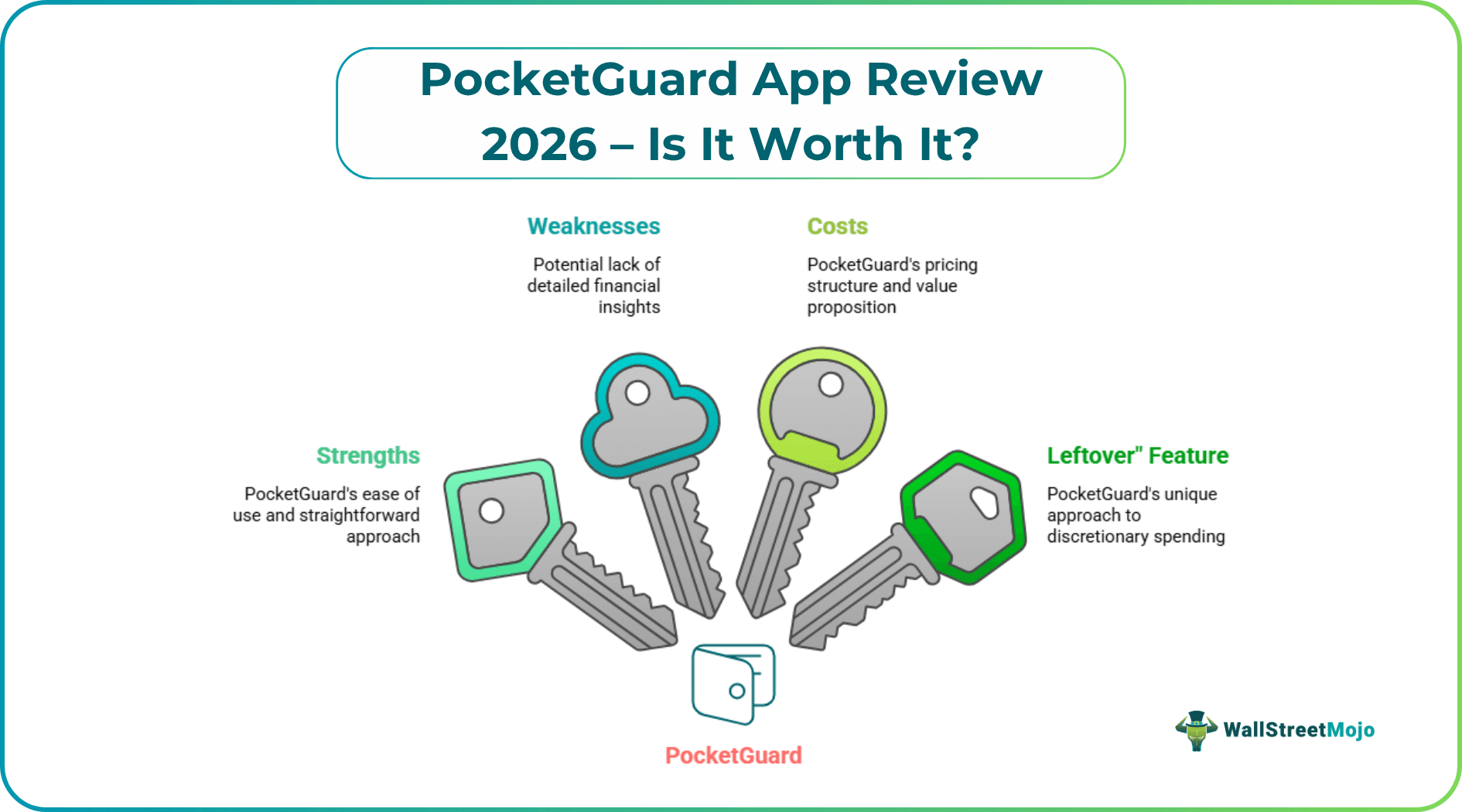
Here’s what you need to know about using PocketGuard in 2016: its strengths and weaknesses, costs and whether it’s worth installing on your device.
PocketGuard is a good budgeting app for those looking for an easy, hands-off approach to managing their finances and sticking to a budget. Its signature feature – the “Leftover” feature – shows how much money you have left to spend on non-essential items.
What Is PocketGuard?
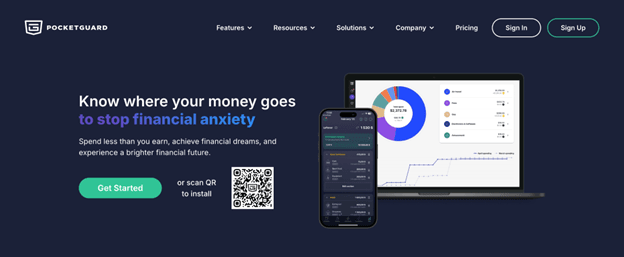
PocketGuard is a 2014 budgeting app and finance planner. It links up to your bank accounts, credit cards and loans to get your transaction data and to track your spending against your income.
It’s pretty straightforward what the app does: it takes your income, subtracts your bills, goals and needs, and leaves you with what remains. What’s left over – or “In My Pocket” as PocketGuard calls it – is what you can spend each day. No calculations to do, no data to type in, no envelopes to mess around with.
PocketGuard can be downloaded for iOS and Android, and is also available on the web for desktop.
Key Features
#1 – Pace
Pace is one of the smart features of PocketGuard. It looks at how much you are spending, and how much you should be spending at this stage of the month. If you’re spending more than you can afford, Pace will let you know – before your account runs out. It won’t prevent you from overspending, but it will let you know when you’re getting close.
#2 – Plan Tab
On the Plan tab you set up your budget. You can set budget categories, plan for recurring bills and savings goals. It’s easy to do and much of it is done for you, once you connect your accounts. PocketGuard imports your transactions and will suggest how much you should budget for a bill – you can accept the suggestion or edit it.
#3 – Leftover (In My Pocket)
This is the core of the app. PocketGuard defines this as the amount of money left after deducting recurring bills, scheduled spending and savings you set. It’s dynamically updated with each transaction. This feature is helpful for those who find it difficult to make decisions about spending on lunch or dinner, or a new dress or shoes. It takes the guesswork out of the calculations and presents just one number you can trust.
#4 – Transaction Rules
PocketGuard allows you to create a rule to categorise transactions. If your coffee shop is mistakenly categorised as a “food delivery” you can set up a rule to prevent it and never have to worry again. Power users will appreciate this. The app’s auto-categorisation is pretty good but not always spot-on, so being able to set rules for categorisation keeps your budget up to date without you having to continually tweak it.
#5 – Subscriptions
The app detects transactions and flags subscriptions – streaming subscriptions, gym memberships, software, or anything else that you pay on a regular basis. It’s a handy feature that can be a surprise. After all, people often forget about subscriptions they have. You can’t remove them from the app, but it’s better to know about them.
PocketGuard Pricing
PocketGuard has one plan with a 7-day free trial:
- PocketGuard Premium – $6.25/month (billed $74.99/year) or $12.99/month (billed monthly). Includes unlimited category budgets, rollover budgeting, subscription tracking, custom categories, financial goals, debt payoff plan, spending insights, recurring bills management, unlimited bank accounts, transaction rules, import/export, and priority human support. A lifetime option is also available in-app.
The 7-day free trial gives you enough time to explore the full feature set. If you are serious about budgeting – more categories, detailed insights, debt payoff planning – Premium is a good choice. The yearly plan is worth it if you intend to use it long-term.
Pros and Cons
Pros
- The “Leftover” number makes spending decisions simple and straightforward
- Syncing and categorizing transactions automatically saves time
- Automatic subscription detection to review recurring subscriptions
- Simple and not too cluttered – easy for anyone to use
- Pace feature provides a heads-up when expenses exceed income
- iOS, Android and web apps – compatible with all devices
- Cheap lifetime plan for long-term customers
Cons
- No support for zero-based budgeting – not ideal for users who want to assign every dollar
- The free plan feels limited once you want more than basic tracking
- Manual account re-linking can be frustrating when bank connections break
- Limited investment tracking compared to apps like Personal Capital
- No bill pay feature – you can track bills but not pay them from the app
- Customer support response times can be slow on the free tier
Who Should Use PocketGuard?
PocketGuard is ideal for those looking for an automated budgeting tool with no learning curve. It’s a good choice if you’re a novice with budgeting apps, don’t like spreadsheets, or just want to know if you can afford something.
It might also be well suited if you have a simple budget and income, with standard expenses, and don’t need to track an investment portfolio or generate complex reports.
It’s likely not for you if you are a meticulous budgeter who wants to allocate every dollar to a particular expense, track your net worth, or play out different financial scenarios. They might be better off with either YNAB or a more advanced financial management app.
PocketGuard vs Alternatives
There are such competitors of this app.
#1 – YNAB
YNAB (You Need a Budget) is the best for the committed budgeter. It’s based on a zero-based budgeting framework, where you give every dollar a job. It’s more complicated and more expensive ($109 annually), but it tends to create more significant shifts in user behaviour. PocketGuard is hands-off; YNAB is interactive. If you want to be in charge, use YNAB; if you want ease of use, use PocketGuard.
#2 – Rocket Money
Rocket Money (formerly Truebill) shares some similarities with PocketGuard – it finds subscriptions, monitors your spending, and links to your bank accounts. Rocket Money provides a bill negotiation feature – it will reach out to your service providers to reduce your bills. That’s a real advantage. The In My Pocket concept of PocketGuard is more appealing, but Rocket Money has more ways to save money. Their costs are similar.
#3 – Simplifi
Simplifi (by Quicken) is aimed at those who prefer something between the simplicity of PocketGuard and the complexity of YNAB. It provides budgets, watchlists and more detailed reporting than PocketGuard, at a price of about $3.99/month. It has a nice user interface. Simplifi may be a good choice if you like the simplicity of PocketGuard but are looking for slightly more sophisticated money management.
Is PocketGuard Safe?
PocketGuard employs 256-bit AES encryption and integrates with bank and credit card accounts via Plaid, one of the most popular and secure financial data aggregators. It uses read-only access to your accounts – it can view transactions but not transfer or initiate payments.
PocketGuard offers two-factor authentication and a PIN lock for the mobile version. PocketGuard doesn’t store your bank account login information; it’s stored by Plaid.
While no app is completely secure, the security measures of PocketGuard are standard for the industry. The app has safely been used by millions of users and there have been no significant data security breaches as of 2026.
Final Verdict
PocketGuard stands apart from other budgeting apps by doing one thing really well: providing a quick and easy way to find out how much you have to spend. The “Leftover” concept is a good one, the app’s UI is not too cluttered, and the syncing is mostly hands-free.
The free version is worth a shot, but PocketGuard Plus is great. For $34.99/year, it’s not a bad deal, even assuming that it saves you one or two charges alone on subscription services.
If you want a low-maintenance budgeting app that can keep track without getting in the way and offer gentle reminders if you stray, download PocketGuard. Just be aware that it’s a simple, not a complex, budgeting tool and for many, that’s the best kind of tool.
Recommended Articles
For more on Business Finance, explore these related articles from our Business Finance guide.