


The ideal IT asset management solution for MSPs serving several clients must do what most ITAM solutions aren’t designed to do. It must maintain dozens of different client environments accurately and simultaneously, without merging data or requiring a technician to visit five systems to answer a simple question. Many managed service providers continue to build asset records from their RMM, PSA, documentation platform, Microsoft 365 tenants, and a spreadsheet per client. This works for 5 clients. It doesn’t hold up at 30.
An MSP asset management solution with good software provides a single place to monitor all your clients’ hardware, software licenses, users, and renewals, while keeping each client’s info separate. It should automatically extract data from the tools that you use on a daily basis, identify when any warranties are expiring or when licenses are not being used, and create reports you can present during a quarterly business review (QBR) with your clients.
In this guide, we will cover six platforms that are used by MSPs to manage their client assets in 2026, all of which fall into certain categories based on the job they perform in an MSP stack. It also covers how to convert asset information into billable services, questions to ask vendors, and which combinations work best for various kinds of MSPs.
Why Multi-Client Asset Management is its own Problem
An internal IT team manages one estate. An MSP manages many, each with its own quirks. That creates challenges a standard ITAM tool doesn’t solve:
- Every client runs a different stack. One client uses Intune and Okta, another uses Jamf and Google Workspace, and a third still has an on-premises domain. Your asset platform has to handle all of them.
- Data must stay separate. Client A’s devices, users, and licenses must never appear in Client B’s reports, and some clients will want their own view of their data.
- Records drift between tools. When the RMM, the PSA, and the documentation platform each hold a version of the asset list, none can be trusted. As one MSP put it, the team ends up checking the ITSM tool, then Intune, then an Excel spreadsheet, then something else.
- License waste is invisible to clients. It’s common to find a client paying for hundreds of software seats while only a fraction are in use. Clients rarely spot this themselves, which makes it a clear opportunity for the MSP that does.
- Offboarding happens in someone else’s office. When a client’s employee leaves, the MSP is often told late, and recovering devices can mean searching a stock room for days.
- Audit evidence is expected. Clients going through ISO 27001, SOC 2 or Cyber Essentials expect their MSP to supply asset registers, access records and disposal logs on request.
- Tool costs eat into margin. Enterprise asset systems priced for single large organizations rarely make sense when costs have to be spread across many small and mid-sized clients.
Where ITAM Fits in the MSP Tool Stack
There’s no single “MSP asset management” category. The six platforms in this guide come from five different tool categories, and knowing the difference helps you avoid paying twice for the same data.
| Platform | Category | What it knows best | Multi-client model | Billing basis | Usually replaces or complements |
| Setyl | IT asset and license management | Hardware, software licenses, users, renewals, spend, compliance | Partner portal with a separate account for each client | Dedicated MSP plans (quote) | Complements RMM/PSA; replaces spreadsheets |
| NinjaOne | RMM and endpoint management | Managed endpoints, patching, device health | Organizations within one console | Per device | Core RMM |
| SuperOps | Combined PSA and RMM | Tickets, endpoints, billing | Clients within one platform | Per technician or per endpoint | Replaces a separate PSA and RMM |
| IT Glue | IT documentation | Passwords, SOPs, configurations, relationships | Organizations within one account | Per user | Complements PSA/RMM |
| Liongard | Configuration and change monitoring | System settings and change history across platforms | Environments for each client | Contract pricing | Feeds PSA and documentation tools |
| Auvik | Network discovery and monitoring | Network topology, switches, firewalls, connected devices | Multi-tenant client sites | Per billable device, by category | Complements RMM |
The 6 Best Asset Management Platforms for MSPs
1. Setyl
Category: IT asset and license management
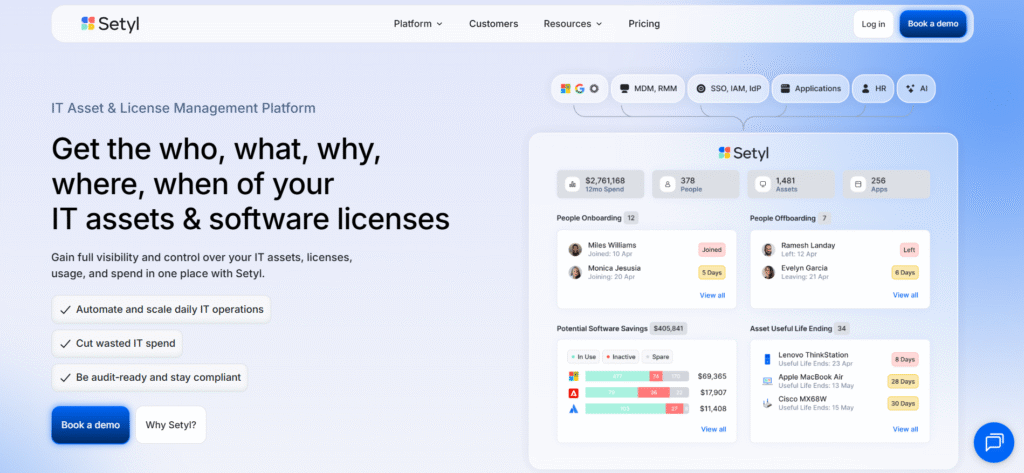
RMM tools know the endpoints they manage. Technicians type what is in documentation tools. Setyl fills the gap between the two. It is an IT asset and license management platform and has specific plans for MSPs and MSSPs. It integrates each client’s hardware, software, SaaS subscriptions, users, vendors, and spend into a secure record and provides visibility into all of those records from a single partner portal.
The Setyl MSP partner portal displays all client environments in one dashboard, including the number of assets and software in each client. From there, users can open any client account or create a new account. Data doesn’t get mixed up; each client has their very own distinct Setyl account. The clients can also log in to view or edit their own data, reducing the volume of “can you send me a list of our laptops?” emails. The partner portal, API access, and a free Setyl account to manage your own team’s assets and licenses are included in every MSP subscription.
Setyl has two MSP plans: MSP, which gives clients complete visibility across their environments, and MSP Plus, which provides more advanced integrations and deeper insights into license cost savings. Setyl’s team will help you onboard your first 3 clients and support client demos, and MSPs can resell Setyl as part of their service. Price is upon request.
Best for: MSPs and MSSPs that want a reliable, client-separated asset and license record to support proactive services, compliance work, and QBRs.
2. NinjaOne: the RMM most MSPs start their inventory from
Category: RMM and endpoint management
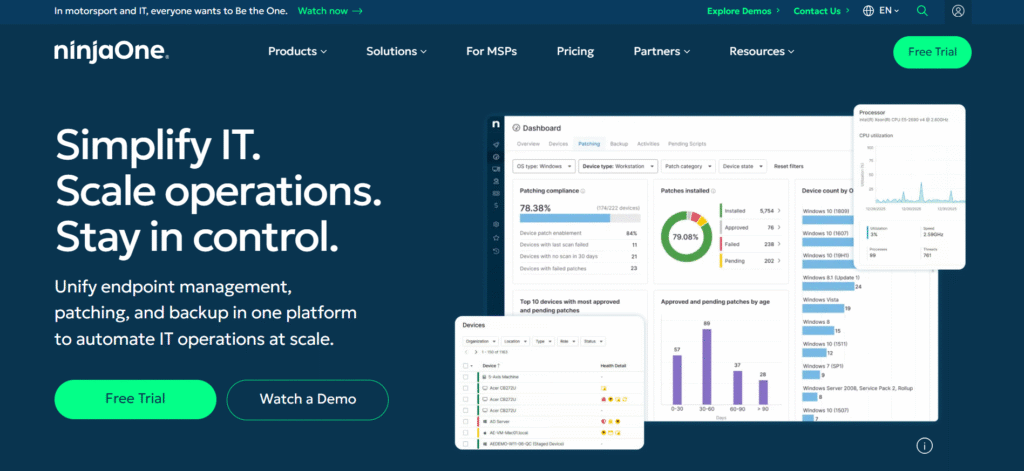
NinjaOne is a remote monitoring and management platform that is widely used by MSPs for its easy-to-use interface and quick installation. NinjaOne collects device information such as hardware information, installed software, patch status, and device health as soon as its agent is installed on a client’s devices. That makes it the first source of inventory for many MSPs. Client organizations stay in one console, and patching, scripting, remote access, and backup can all be performed from it.
NinjaOne is based on a per-device pricing model, with higher volume discounts. The published price is $3.75 per device per month at 50 or fewer endpoints, dropping to about $1.50 per device at 10,000 endpoints. Implementation and training are included, along with a 14-day trial.
Where the gaps are: RMM inventory covers devices that have an agent installed. It doesn’t cover peripherals, unmanaged or in-storage stock, SaaS subscriptions, or the commercial side of a license, such as its cost, renewal date, and who no longer uses it. Many MSPs connect NinjaOne to a dedicated ITAM platform so the endpoint data feeds a fuller per-client record.
3. SuperOps
Category: Combined PSA and RMM
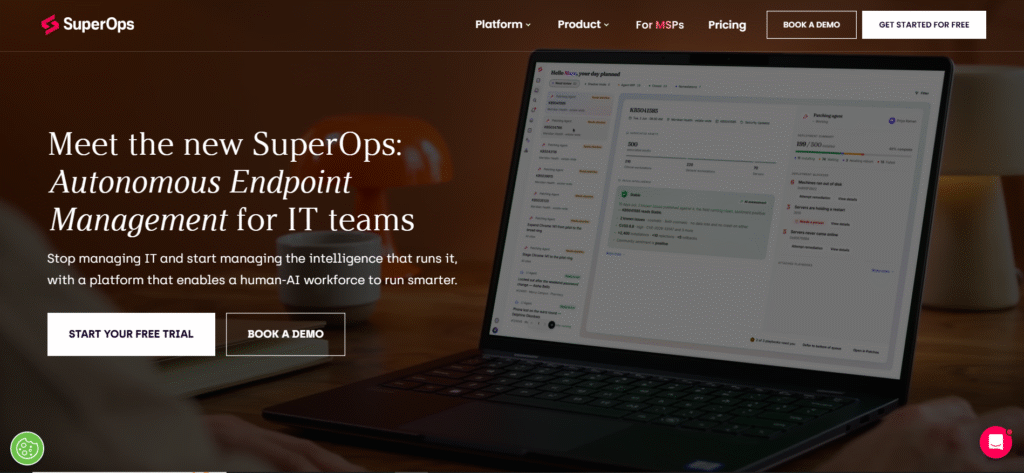
In SuperOps, professional services automation (PSA—including tickets, contracts, and billing) and RMM sit side by side in a single platform, so assets, tickets, and invoices are all together. Consolidating is attractive for an expanding MSP that wants to avoid running two separate programs—one PSA and one RMM. SuperOps also covers network monitoring for more than 250 vendors, plus AI-powered patching and a built-in AI summarizing and script-writing assistant.
Pricing options:
- Per technician (MSP plans): from $79 per technician per month for PSA only, up to $159 for PSA, RMM, and AI, with 150 endpoints included per technician on the RMM tiers
- Per endpoint: from around $1.50 per endpoint per month, with endpoint minimums
What to watch: Some users find that the PSA side is less developed than the RMM, and that it doesn’t report as well. In SuperOps, asset management is not based on license fees, renewals or compliance registers, it is based on service delivery. Be sure to read the pricing quote and verify the pricing model used as per-technician pricing can’t be compared to per-endpoint pricing.
4. IT Glue
Category: IT documentation
For many MSP technicians, IT Glue is their password repository, SOPs, network diagrams, and configuration records.IT Glue, owned by Kaseya, is where many MSP technicians go for password solutions, SOPs, network diagrams, and configuration records. It is not a lifecycle asset management platform. Strong relationships matter: A firewall record connects to its configuration, password, vendor contract, and replacement SOP. That context saves time when a technician picks up a ticket at 2 a.m.
IT Glue can automatically pull configurations from PSA / RMM solutions like ConnectWise PSA, ConnectWise Automate, Autotask and Auvik, Cisco Meraki and other PSA / RMM solutions. Capterra rates it 4.6 out of 5, based on user feedback, and users appreciate its search function and simplicity.
Pricing: IT Glue starts at about $29 per user per month, with a five-user minimum on a 36-month term. Shorter terms cost more, and there’s a one-time onboarding fee.
Keep in mind: Documentation is only as accurate as its last update. Reviewers mention that defining documentation standards takes time, and IT Glue isn’t designed to track license usage, renewal dates or asset recovery at offboarding.
5. Liongard
Category: Configuration and change monitoring
Liongard also tracks what changed, when, and by whom across client systems. Its “Inspectors” integrate with cloud services, firewalls, Microsoft 365, backup solutions, security products, and endpoints. They gather configuration information on a schedule and create a history of all changes, allowing an MSP to recreate events that occurred prior to an outage.
In addition to being integrated, Liongard does not replace any PSA or documentation software like ConnectWise, Autotask, HaloPSA, IT Glue, and Hudu; instead, it feeds data into them. In 2026, it added a natural-language assistant and an MCP server, enabling the AI tools to query its information.
Considerations:
- Pricing is contract-based, and endpoint Inspectors are billed per unit.
- Rolling it out means deciding which system holds the master record for each data type, and syncing in both directions can create duplicates.
- It’s most valuable in complex, frequently changing client environments, and less so for small, stable ones.
6. Auvik
Category: Network discovery and monitoring
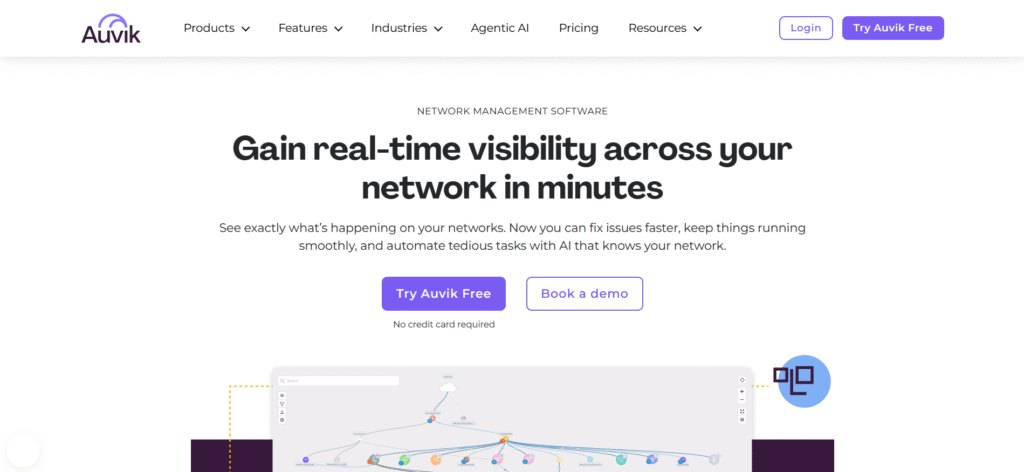
Auvik automatically identifies and maps client networks, such as routers, switches, firewalls, wireless controllers, servers, and connected devices, and creates real-time topology diagrams. MSPs often receive networks without documentation, and Auvik can map them in hours. It also saves device configurations and alerts you to issues, helping with troubleshooting and network hardware lifecycle planning.
Auvik charges fees based on the number of devices managed. Network devices are the most expensive, followed by servers and hypervisors, then workstations. Access points, printers, IP phones, and IoT devices are identified but not charged for. It has two levels: Basic (discovery, mapping and monitoring) and Core (traffic analysis and in-depth diagnostics). Auvik also offers a 14-day trial with all features and MSP-specific pricing.
The limit: Auvik shows what’s on the network, but not who owns a device, what a client pays for its SaaS tools, or which leaver still has a laptop. It works best as the network data source within a broader client asset picture.
Turning Client Asset Data into Billable Services
Accurate, client-separated asset data is also something MSPs can sell. Here are five services it supports:
- License optimization reviews. Each quarter, show the client which software seats are unused and what reclaiming them would save. Clients quickly see your value in money saved.
- Hardware refresh planning. Use warranty and end-of-life dates to give clients a 12-month replacement forecast, then quote for the replacements.
- Managed offboarding. Offer a fixed-fee leaver process that covers device recovery, access revocation and license reassignment, with proof of completion.
- Compliance as a service. Maintain the client’s information asset register, access records and disposal logs ready for ISO 27001, SOC 2 or Cyber Essentials, and charge for audit support.
- Data-driven QBRs. Replace general updates with per-client reports on assets, spend, risks, and renewals coming up next quarter.
A dedicated asset and license platform with a separate account for each client, such as Setyl, makes these services repeatable across your whole client base instead of a one-off spreadsheet project for each client.
Questions to Ask Bfore you Commit to An MSP Asset Platform
- How is client data kept separate, and can clients log in to view their own records?
- Which of our current RMM, PSA, MDM, and identity tools have native integrations, and what does the API cover?
- Does the platform track SaaS subscriptions and license costs, or only devices?
- How does pricing scale as we add clients? Is it per technician, per device or per client?
- What onboarding help do we get for our first clients?
- Can we resell the platform or include it in our managed service packages?
- What compliance outputs, such as asset registers and access logs, can it produce for a client audit?
- What happens to client data if a client leaves us or we change platforms?
Frequently Asked Questions
Can my RMM replace an IT asset management platform?
Not fully. An RMM inventories the endpoints running its agent, but it doesn’t track peripherals, stored stock, SaaS subscriptions, license costs, renewals or offboarding recovery. Most MSPs use RMM data as one input to a dedicated ITAM platform.
How do MSPs keep client asset data separate?
Look for a platform that gives each client a dedicated account or tenant, with a partner-level view for the MSP. Setyl, for example, gives each client a separate account and lets the MSP manage them all from one partner portal.
Should MSPs charge clients for asset management?
Many MSPs include basic inventory in their managed service and charge separately for higher-value work: license optimization, refresh planning, managed offboarding and audit preparation. Accurate asset data per client is what makes those services possible to deliver.
What’s the difference between IT documentation and IT asset management?
IT documentation tools store knowledge such as passwords, procedures and configurations so technicians can work quickly. IT asset management tracks what each client owns, who has it, what it costs and where it is in its lifecycle. MSPs usually need both, connected by integrations.
How can an MSP help a client pass an ISO 27001 or SOC 2 audit?
The MSP can maintain the client’s information asset register, record who has access to which systems, document vendor due diligence and keep logs of disposed devices and revoked access. A platform with these features built in lets the MSP produce that evidence for each client without building it manually before every audit.