


Part of our String Functions in VBA guide
Excel VBA LCase Function
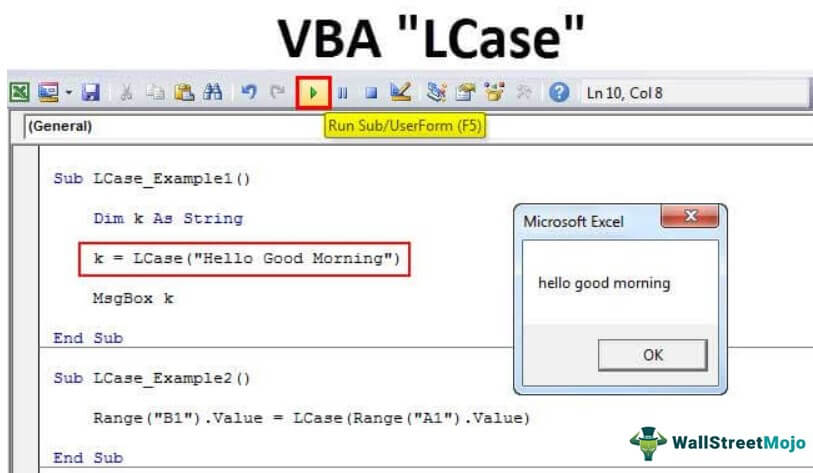
LCase is an inbuilt function in VBA used to convert an input string provided to it in the lowercase. It takes a single argument: the string is an input, and the output generated by this function is a string. The one thing to remember is that this function converts all the functions to lowercase, not just any single character.
You must have tried the same formula (LOWER) as Excel in VBA and have not found it. Because in VBA, the lowercase is slightly different. In VBA, it is a shortcut name, i.e., “LCASE.” Here “L” stands for “LOWER,” so the formula reads “LOWERCASE.”
Syntax
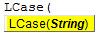
- String: is nothing but the text value we are trying to convert to lowercase. So we can supply the text directly to the formula, it can be a cell reference, and it can be through a variable.
How to Convert Text in Lowercase in VBA?
Example #1
Let us try converting the text value “Hello Good Morning” to lower case using the LCASE function.
Step 1: Start the sub procedure by naming the excel macro.
Code:
Sub LCase_Example1()

End Sub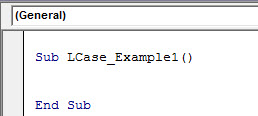
Step 2: Declare the variable k as String.
Code:
Sub LCase_Example1()

Dim k As String

End Sub
Step 3: Assign the value to the variable “k” by applying the “LCASE” function.
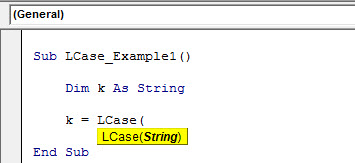
Step 4: Here, the string is our desired text value that we are trying to convert to lowercase, and the desired string value is “Hello Good Morning.”
Code:
Sub LCase_Example1()

Dim k As String

k = LCase("Hello Good Morning")

End Sub
Step 5: Now, show the variable “k” result in the message box.
Code:
Sub LCase_Example1()

Dim k As String

k = LCase("Hello Good Morning")

MsgBox k

End Sub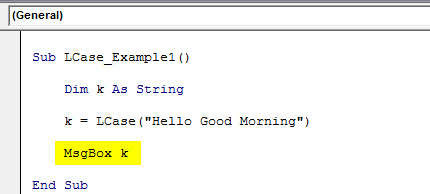
Coding completed. Let us run the code to see the result.

So LCase converted the text value “Hello Good Morning” to “hello good morning” with the simple coding technique.
Example #2
We have seen how the LCASE function works in VBA. In the above example, we have directly supplied the value to the formula itself. Now, we will see how we can “use the cell reference value for the formula.
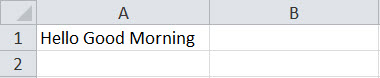
Assume you have the word “Hello Good Morning” in cell A1 like the below image.
Step 1: We will convert the cell A1 value to the lower case by showing the result in the Range B1 cell so that the code will be Range (“B1”).Value =
Code:
Sub LCase_Example2()

Range("B1").Value

End Sub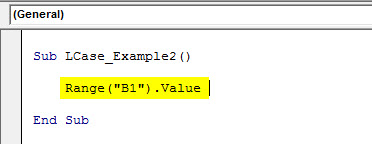
Step 2: In cell B1, through the LCASE function, we will store the result, so open the function.

Step 3: In this example, the VBA string value is a cell reference, not a direct value. So give the cell reference as Range (“A1”).Value.
Code:
Sub LCase_Example2()

Range("B1").Value = LCase(Range("A1").Value)

End Sub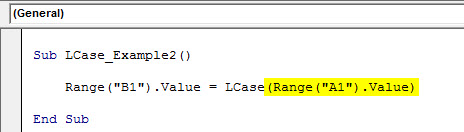
So, we have now completed the VBA coding part. Next, run the code and see the magic in the B1 cell.
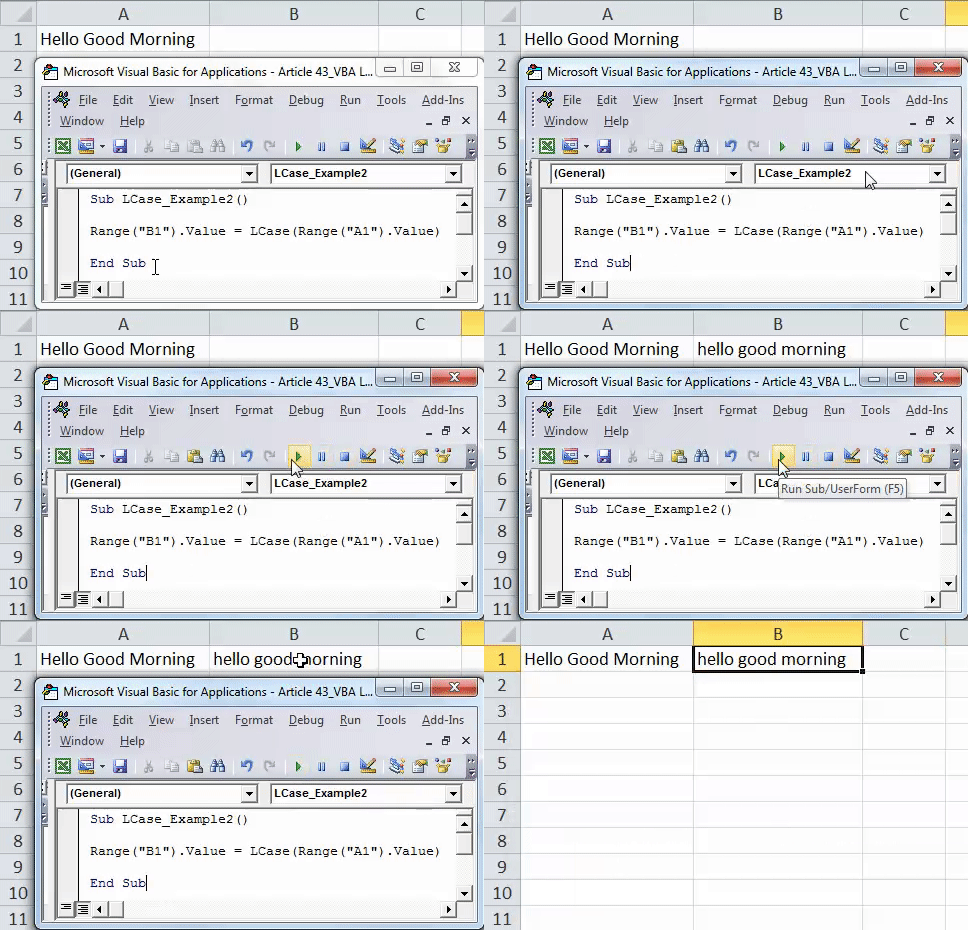
Example #3
Converting a single cell value or a single direct value isn’t the biggest challenge. However, when we deal with the “n” number of values in the worksheet, we need to apply loops to loop through all the cells and convert them to lower case values.
Assume below the data you have in an Excel worksheet.
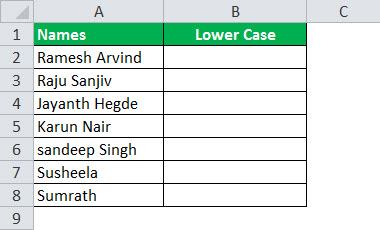
If you are not aware of loops, then you need to go back to the basics of VBA coding. First, refer to our articles on “VBA Loops” to have a fair bit of knowledge on loops. The below code will convert the above names to the lower case.
Code:
Sub LCase_Example3()

Dim k As Long

For k = 2 To 8
Cells(k, 2).Value = LCase(Cells(k, 1).Value)
Next k

End Sub
It will convert all the text values from row 2 to row 8 in the lowercase function.

Based on your cells, you can increase the limit of the loop from 8 to whatever the last row number of your data.
Recommended Articles
This article has been a guide to VBA LCase. Here, we discussed how to use the Excel VBA LCase function to convert the text into lowercase with the help of practical examples and a downloadable Excel template. Below are some useful articles related to VBA: –