

Part of our Marketing Strategy guide
Introduction
You can spend days filming and editing and still watch a video flop, and the reason is often the smallest part of the whole project. The thumbnail is the first thing a viewer sees, sometimes the only thing, and it decides in a fraction of a second whether they tap or scroll past. A great video with a weak thumbnail is a great video almost nobody watches. Click through rate is the number that turns your work into views, and the thumbnail is where that number is won or lost.
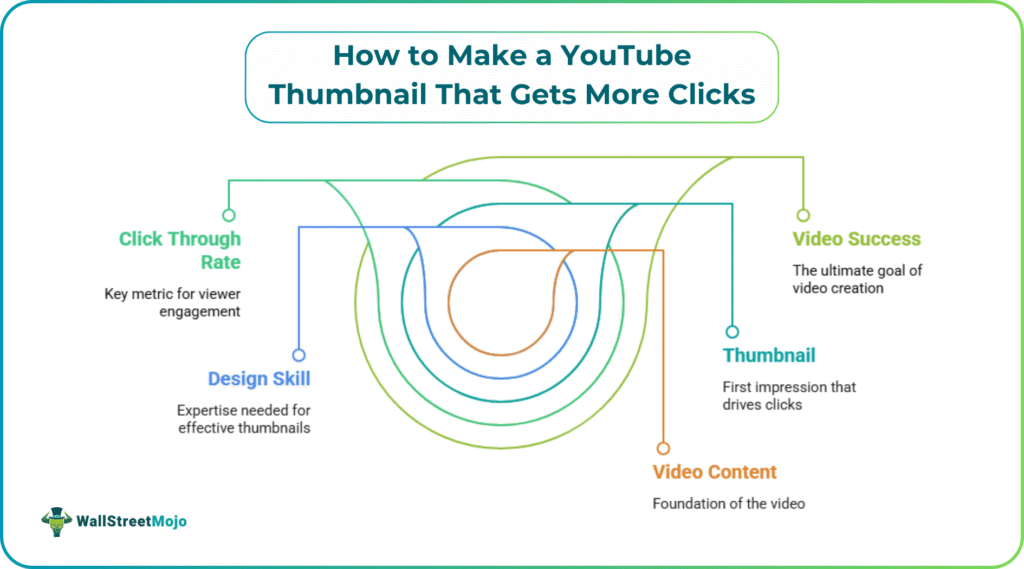
Most creators know this and still end up with flat thumbnails, because the ones that actually pull clicks take design skill, decent photos of yourself, and hours in software like Photoshop or Canva that you would rather spend making the next video. That gap is exactly what WayinVideo’s YouTube thumbnail maker is built to close. Instead of starting from a blank template, it starts from your video, and it turns the principles behind high performing thumbnails into something you can produce without any design work at all.
Why Most Thumbnails Fail
Before the tool, it helps to know what separates a thumbnail that earns clicks from one that gets ignored. The strong ones share a few traits. They lead with a single clear idea rather than cramming in three. They use an expressive human face, because people are wired to look at faces. They hold up at small size through bold contrast and a few heavy words of text. They match the title to open a curiosity gap without lying about the video. And the creators behind them rarely guess, they make several options and test which one wins. Every one of those traits takes real effort by hand, and that effort is where most people give up.
How WayinVideo Builds the Thumbnail For You
WayinVideo approaches the problem from the footage out. You paste a YouTube link or upload your video, and its AI watches the whole thing to find the moments with genuine click pull, the clear faces, the peak reactions, the turning points that tell the story at a glance. This is the difference between a thumbnail and a random screenshot. YouTube’s own automatic thumbnails simply grab a frame and hope, while WayinVideo reads the emotion and context first, then composes covers that look intentional rather than accidental.
From a single upload it generates several distinct thumbnail candidates in popular YouTube styles. That matters for two reasons. You get to choose the one that fits your title and audience best, and you also get the raw material for testing instead of being stuck with one option. There are no prompts to write and no design decisions to agonize over. You bring the video, the AI handles the analysis and the layout.
Putting Your Face in Without a Photo Shoot
The face problem stops a lot of creators cold. Faces lift click through rate, but most people do not have clean studio photos, and cutting yourself out of a frame by hand looks messy at preview size. Wayinai AI video summarizer handles this directly. You upload a plain selfie, and it removes the background, adjusts the lighting to match the mood of your video, and places your portrait where it draws the eye at small size. The result is the recognizable, on brand look that established channels rely on, without a single manual cutout.
Borrowing What Works Without Copying
If you have seen a thumbnail style you love, you do not have to reverse engineer it. Upload it as a reference image and WayinVideo studies its layout, contrast, framing, and overall feel, then recreates a similar high performing structure using your own footage. You end up with a familiar, trend aware aesthetic while every thumbnail stays original and yours. It is a way to ride a proven style without lifting someone else’s image.
Testing Without Tripling Your Work
A/B testing is one of the most reliable ways to raise click through rate, and it is also the step most creators skip, because making a second and third thumbnail by hand multiplies the design time. WayinVideo removes that excuse by producing multiple variations from one upload, each with a different scene, composition, or emotional tone. You download the set, rotate them in YouTube Studio, and let the data show you the winner instead of betting on a hunch.
Built to YouTube’s Specs Out of the Box
A thumbnail that looks great in your editor can still fall apart on the platform if the dimensions are wrong. WayinVideo generates covers at YouTube’s recommended size of 1280 by 720 pixels in a 16:9 ratio, keeps key faces and text inside the safe zone so nothing gets cropped, and optimizes contrast and readability at small sizes. You can also switch to other ratios when you need them, including vertical formats for Shorts, Reels, and Stories, so you create once and publish everywhere without resizing.
Free, Promptless, and Safe to Monetize
The practical details are where it seals the case. WayinVideo is free to start with no account required, it runs entirely in the browser on desktop or mobile, and it asks you to write nothing. Because every thumbnail is an original image built from your own video and uploaded assets, the output is safe to use on monetized channels and within the YouTube Partner Program. For a creator weighing whether a tool is worth the trouble, free, promptless, and monetization safe is a strong combination.
The Takeaway
A thumbnail that earns clicks is not luck. It comes down to one clear idea, an expressive face, strong contrast, a few bold words, an honest hook, a consistent look, and the willingness to test more than one option. The reason most creators fall short is not that they do not know this, it is that doing it by hand is slow and fiddly. A video first YouTube thumbnail maker like WayinVideo handles the execution from your own footage, which leaves you free to focus on the part that actually grows a channel, making the next video worth clicking on.
Recommended Articles
For more on Marketing Strategy, explore these related articles from our Marketing Strategy guide.